Step 1: Upload a Clear Image
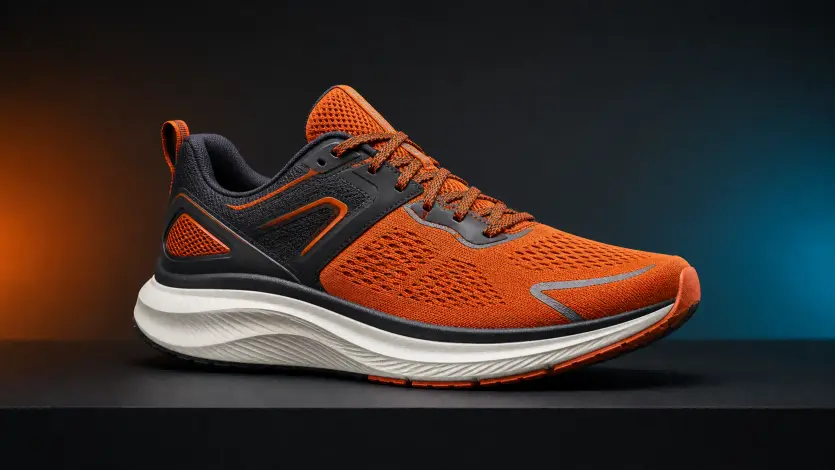
Use the MiniMax H3 workflow to turn one image into a short AI video. Upload a clear source image, describe the subject, action, camera, timing, visual style, and sound, then choose the settings available on PhotoVideos.
Upload Image
PNG · JPG · WebP · up to 25MB
This model requires a paid plan and available credits
This three-step MiniMax H3 workflow turns a source image and a structured prompt into a downloadable clip. The media below demonstrates the PhotoVideos upload, prompt, and generation process; it is not an official model sample.
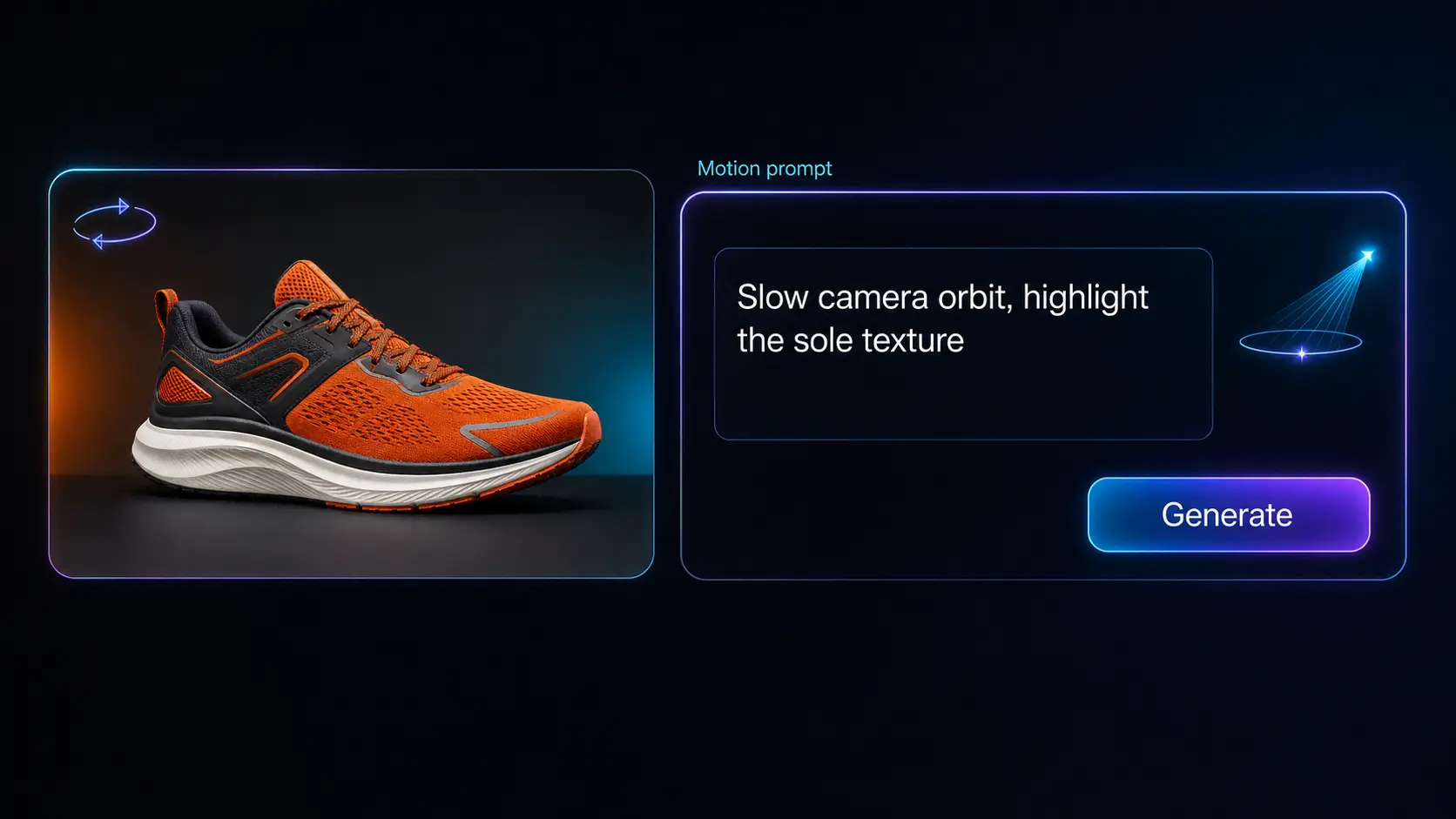
MiniMax H3 is officially presented as a unified multimodal video model that can use text, images, video, and audio context. Its official API supports 768P or 2K output, integer durations from 4 to 15 seconds, native stereo audio, first-and-last-frame workflows, and multi-reference generation. PhotoVideos currently exposes a focused single-image workflow with a prompt, 480p or 720p, 5 or 10 seconds, and optional audio.
Tell the model what changes inside the frame and how the virtual camera observes it. Separate subject action from camera action: for example, the person turns toward a window while the camera slowly pushes in. Add framing, lens feel, pace, and shot order only when each detail helps the scene.
Write a Motion PromptA strong source image gives the model clear identity, wardrobe, object, text, and spatial references. State which details must remain unchanged, avoid contradictory movements, and use one primary action per short shot. Review faces, hands, logos, product geometry, and background continuity before publishing.
Build a Consistent ShotThe official model capabilities include native stereo audio. In the current PhotoVideos workflow, enable the audio option and include concise dialogue, sound effects, and ambience in the prompt. Put spoken lines in quotation marks and explain who speaks, while keeping visual instructions separate.
Create a Video with AudioUse this reusable MiniMax H3 formula: subject and scene + action change + camera and composition + timing or shot sequence + lighting and style + dialogue, sound effects, or ambience + details that must stay unchanged. Start with one clear shot, generate, review, and change one variable at a time. Select any card to place its prompt in the generator.
A woman stands beside a rain-streaked cafe window at night. She slowly looks up and gives a restrained smile as passing streetlights move across her face. Medium close-up, gentle camera push-in, one continuous 6-second shot, cinematic blue and amber lighting, quiet rain and distant traffic. Preserve her identity, hairstyle, clothing, hands, and the window layout.
A premium fragrance bottle remains centered on a dark stone pedestal. A narrow light sweep reveals the glass while the camera makes a slow 20-degree orbit. Clean 16:9 composition, controlled studio reflections, subtle room tone and a soft crystalline chime. Keep the bottle shape, logo, label text, cap, color, and proportions unchanged; add no extra objects.
Vertical 9:16 morning travel story. A creator lifts a coffee cup, turns toward the sunlit train window, then glances back at the camera. Start with a waist-up shot and make a smooth handheld follow, upbeat natural light, 7-second continuous moment, soft carriage ambience. Preserve the person's face, outfit, cup design, and train interior.
Animate this mobile app screen as a clean product demonstration. A cursor taps the analytics tab, the chart rises smoothly, then the summary card slides into focus. Static front-facing composition, precise two-part sequence, bright modern UI style, subtle tap and notification sounds. Keep all text readable and preserve the logo, colors, spacing, buttons, and screen geometry.
MiniMax H3 can support short visual concepts across marketing, narrative, and product design when the source material and prompt match the intended format. These are practical starting points, not guaranteed outcomes; always review the generated clip for accuracy and rights clearance.
Turn a clean product still into a reveal, detail shot, light sweep, or controlled camera move. Protect logos, labels, colors, and geometry in the prompt, then check every frame before using the result in a campaign.
Create one concise beat such as a reaction, entrance, glance, or environmental transition. Use shot order and timing to make the moment readable without overcrowding a short generation with unrelated actions.
Compose for 9:16, describe a fast visual hook, and keep the subject away from interface-safe areas. Dialogue, ambience, and sound cues can help connect a brief movement to a complete social story.
Use a clear interface image to communicate transitions, focus changes, or a short product flow. Ask MiniMax H3 to preserve typography, brand colors, layout, and device geometry, then validate every displayed detail.
MiniMax H3 is a unified multimodal video model released by MiniMax. Official materials describe text, image, video, and audio context, native stereo audio, and multiple generation workflows. This PhotoVideos page provides an online image-to-video interface built around a focused subset of that workflow.
The official MiniMax H3 API documentation lists text-to-video, first-frame, first-and-last-frame, and reference-generation workflows. It can accept mixed image, video, and audio references within documented limits. PhotoVideos currently accepts one source image plus a text prompt on this page.
Official MiniMax H3 specifications list 768P and 2K output with integer durations from 4 to 15 seconds. The current PhotoVideos interface offers 480p or 720p and 5-second or 10-second clips. Always use the settings shown in the generator as the available options for this site.
Yes. Native stereo audio is part of the officially described MiniMax H3 capability. PhotoVideos exposes an optional audio setting for this workflow. Describe the speaker, exact dialogue, sound effect, and ambient environment clearly, and review synchronization after generation.
Text-to-video is listed in the official model workflow. This PhotoVideos page currently focuses on image-to-video and requires one uploaded source image. The image supplies identity, composition, and visual context while the prompt directs motion and sound.
Start with a sharp image, request one main action, avoid conflicting camera directions, and list details that must remain unchanged. For people, name identity, face, hair, clothing, and accessories. For products or interfaces, protect shape, text, logo, colors, proportions, and layout.
Write subject and scene, action change, camera and composition, timing or shot sequence, lighting and style, dialogue or sound, and preservation constraints. Keep the order logical. If a result misses the goal, adjust one instruction rather than rewriting every variable at once.
The current MiniMax H3 page supports one JPG, PNG, or WebP image, a text prompt, 480p or 720p, 5 or 10 seconds, and optional audio. Other official capabilities such as multi-reference inputs, first-and-last-frame control, 2K output, and the full duration range are not exposed here yet.
No. MiniMax H3 generation currently requires a paid PhotoVideos plan and sufficient credits. The generator shows the credit cost for the selected resolution, duration, and audio option before you submit the job.
Eligible paid plans may support commercial use subject to PhotoVideos terms, model-provider terms, and applicable law. You are responsible for rights to source images, people, trademarks, music, dialogue, and other assets. Review the output before publication; this is not legal advice.
No affiliation or endorsement is claimed. MiniMax H3 and related names belong to their respective owners. PhotoVideos is an independent interface, and the workflow media on this page demonstrates the site experience rather than official model sample output.
Upload a clear image, apply the prompt formula, choose the current PhotoVideos settings, and create a short clip with MiniMax H3. Generate one focused shot first, inspect motion, identity, text, and sound, then refine a single variable for the next version.
MiniMax H3 — Plan the image, motion, camera, timing, style, and sound in one prompt