Cinematic Product Reveal
Create a premium reveal with a slow push-in, controlled reflections, and a soft light sweep.
Turn a static product image into a polished short video for ads, product pages, and social media. Upload your image, describe the motion, and use our product photo to video tool to create an engaging clip without filming a new product shoot.
Upload Image
PNG · JPG · WebP · up to 25MB
1 free video per day · 480p · 5s · No signup required
Create product videos in three simple steps. The image-to-video process starts with your existing visual asset and gives you prompt-based control over motion and presentation.
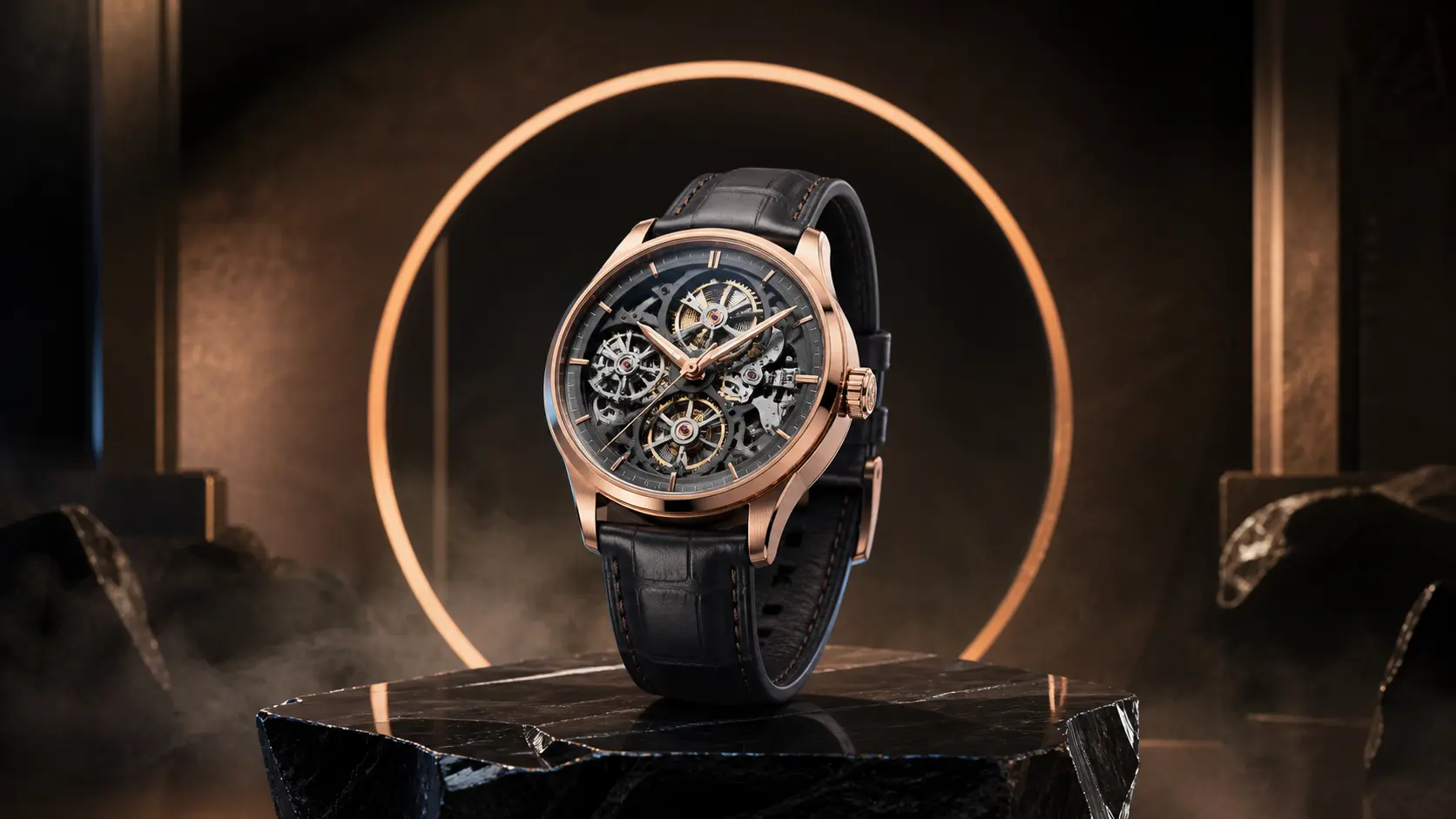
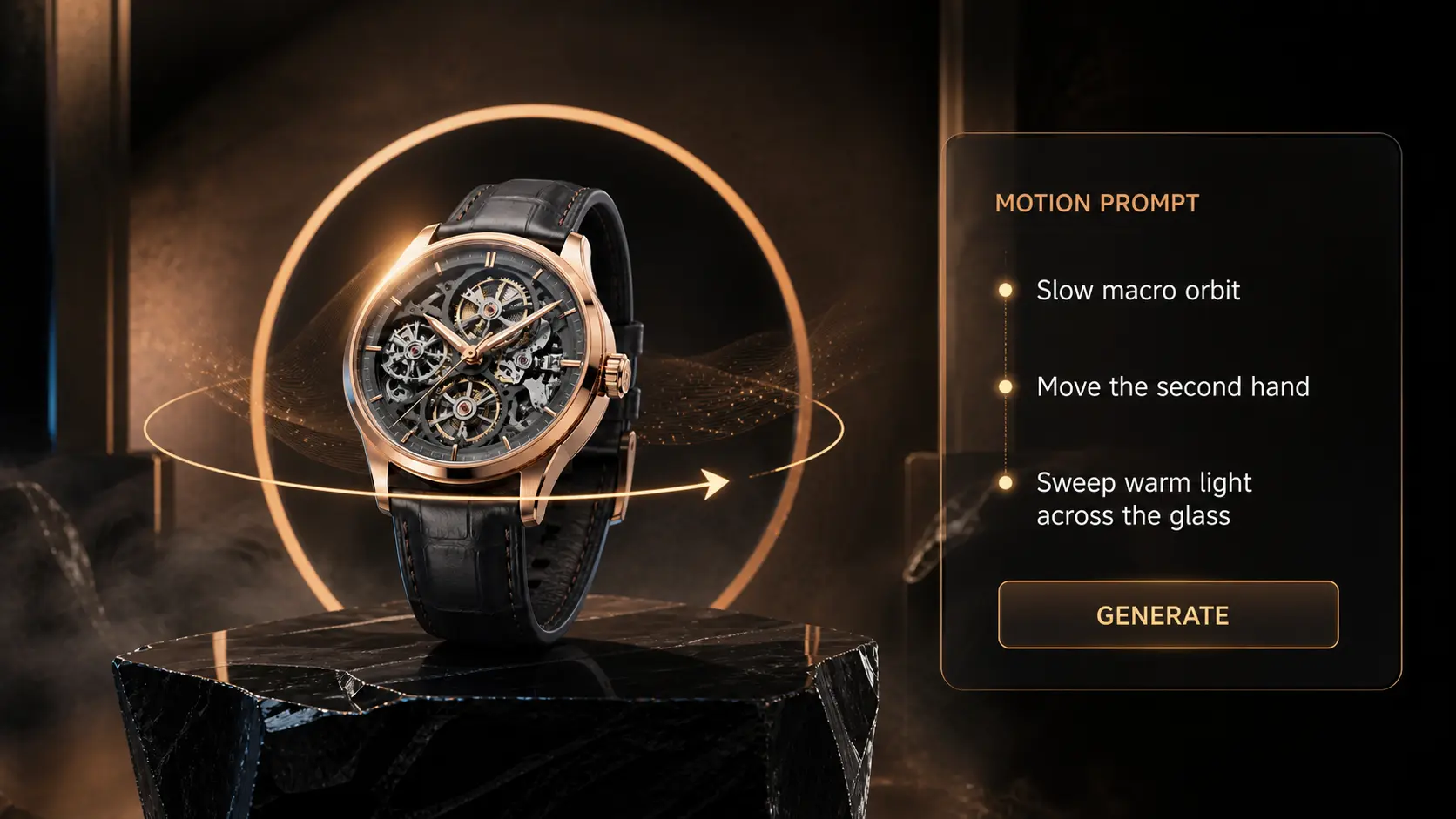
Our AI product video generator helps ecommerce sellers, marketers, creators, and agencies turn existing product images into short motion assets. Build fresh creatives without arranging a new studio shoot for every campaign variation.
Describe a slow zoom, orbit, pan, tilt, close-up, light sweep, floating particles, moving shadows, or subtle scene motion. Clear direction gives the model a stronger visual target and helps the final generated result match your campaign idea.
Write a Motion PromptUse a clean source image and tell the model to preserve the product’s shape, color, label, logo, material, and proportions. Controlled motion is often more useful than dramatic transformation when the video will be used for ecommerce.
Create a Product-Focused ClipCreate vertical, square, or landscape output for different placements. Use 9:16 for TikTok, Instagram Reels, and YouTube Shorts; 1:1 for square feeds; and 16:9 for websites, presentations, and landscape ads.
Choose a Video FormatTikTok and Instagram Reels Ads: Use 9:16, a strong first-second hook, and close product framing for TikTok and Reels.
Shopify and Ecommerce Product Pages: Show depth, texture, or packaging with controlled motion that keeps the product accurate.
Amazon, Etsy, and Marketplace Creatives: Create catalog-based clips for off-platform ads, launch posts, and marketplace campaigns.
Meta and YouTube Ads: Use square or landscape versions for feeds, retargeting, product launches, and short ads.

Turn one shared couple photo into a tasteful AI kissing video with gentle, prompt-controlled romantic motion.
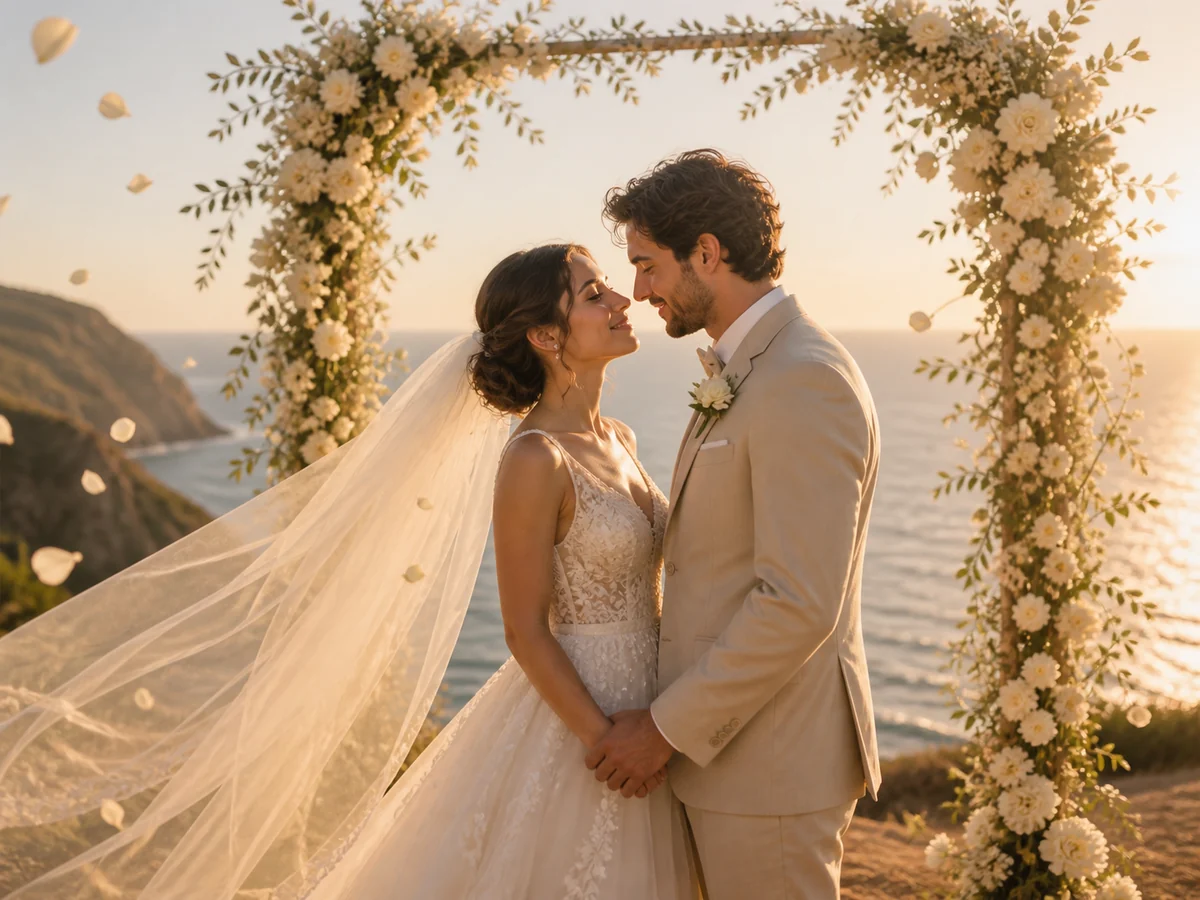
Bring wedding portraits to life with gentle expressions, flowing veils, drifting petals, and cinematic camera motion.

Animate family memories with natural movement while preserving faces, ages, poses, clothing, and the original composition.
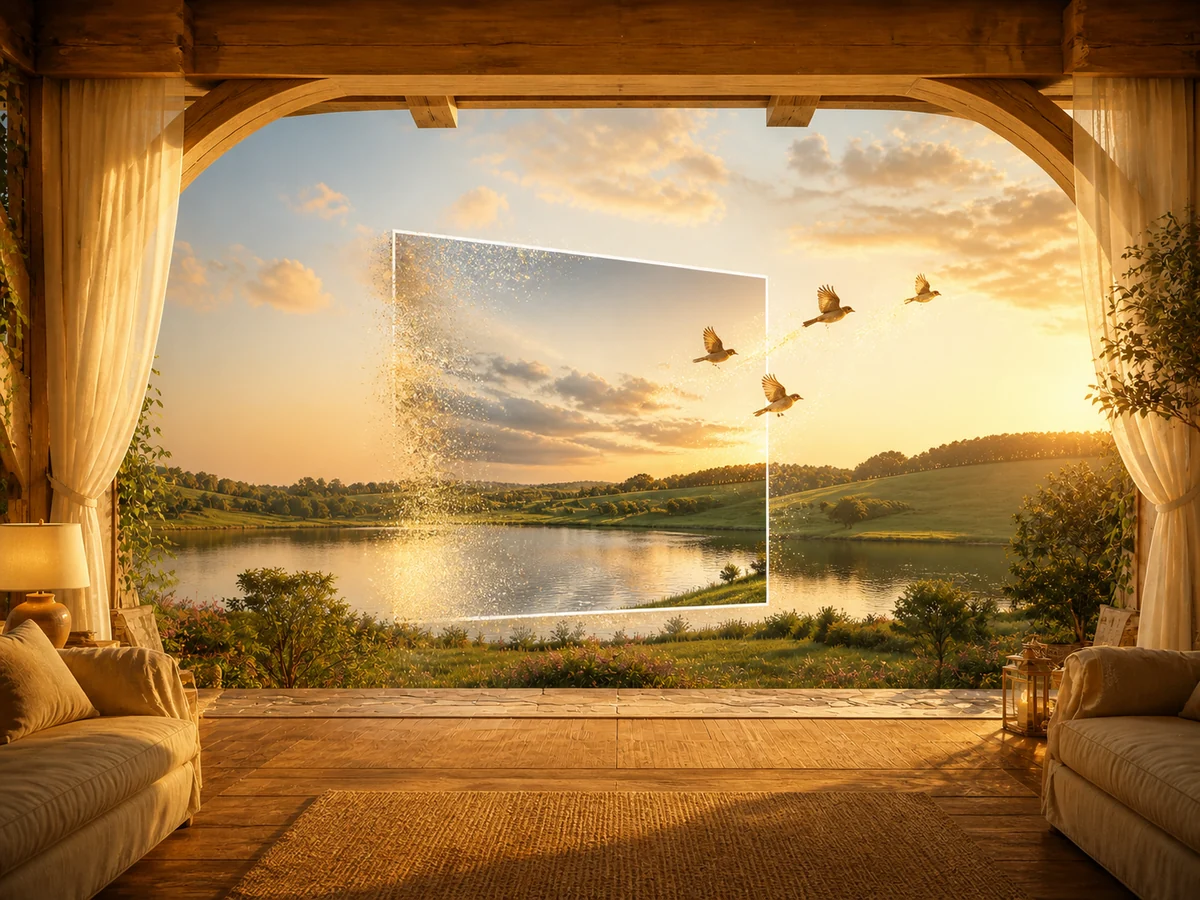
Turn portraits, products, wedding photos, family memories, and more into short AI videos from one simple workspace.
A useful prompt tells the AI what to animate, how the camera should move, and which product details must stay consistent. Start with one action and one camera direction, then create variations.
Premium product reveal, slow camera push-in, soft studio reflections, subtle light sweep, clean background, realistic shadows, keep the product shape, logo, label, text, color, and proportions unchanged.
Smooth camera orbit around the product, controlled slow movement, consistent packaging details, realistic material reflections, no warping, no extra objects, no changes to the logo or label.
Product remains centered and unchanged while the background gains subtle natural motion, gentle moving light, soft depth, realistic shadows, polished ecommerce advertising style.
Slow macro camera move toward the product detail, crisp texture, realistic highlights, shallow depth of field, preserve all material, stitching, buttons, text, and brand details.
A product photo to video generator uses AI to add motion, camera movement, lighting changes, or background animation to a static product image. You upload a photo, describe the desired result, select output settings, and generate a short video.
Yes. A single clear product image can be used to create a short reveal, orbit, zoom, close-up, or lifestyle clip. For a longer advertisement, generate several short clips and combine them in a video editor.
Use a sharp, high-resolution image with accurate colors, clear packaging, readable labels, and enough space around the product. Avoid blur, heavy compression, cropped edges, strong reflections that hide details, or clutter covering the subject.
Use a clean source image and include preservation instructions in your prompt. Ask the model to keep the product shape, logo, label, text, color, material, and proportions unchanged. Review every generated clip before publishing.
Eligible paid plans support commercial use, subject to the site terms and the rules of the selected model. You must also have permission to use the uploaded product image, trademarks, logos, music, and other assets.
Choose 9:16 for TikTok, Instagram Reels, and YouTube Shorts; 1:1 for square social feeds; and 16:9 for YouTube, websites, presentations, and landscape ads.
Short clips are useful for product reveals, hooks, transitions, and detail shots. The site currently offers available 5-second and 10-second generation options depending on the selected model and settings.
Yes. The core product photo to video workflow only requires a source image, a short motion prompt, and output settings. You can use the generated clip directly or combine several clips in an editor for a longer ad.
Yes. Keep the source image consistent and change one variable at a time, such as camera movement, speed, lighting, background motion, or aspect ratio. This makes creative comparisons easier.
Describe the product, one main motion, the camera direction, lighting, background movement, pace, and details that must remain unchanged. Avoid combining too many actions in one short clip.
Free and paid export conditions may differ. Check the current generation and plan details before creating the video; paid plan exports are described on the site as available without a watermark.
Uploaded images are handled according to the PhotoVideos privacy policy. Review the current privacy policy before uploading confidential, unreleased, or client-owned product assets.
Turn your best product image into a short video for ads, social media, and ecommerce. Upload a photo, write a clear motion prompt, choose your settings, and create your first product photo to video clip today.
Product Photo to Video — Turn Static Product Images into AI Video Ads Online