1
Upload One Clear Family Photo
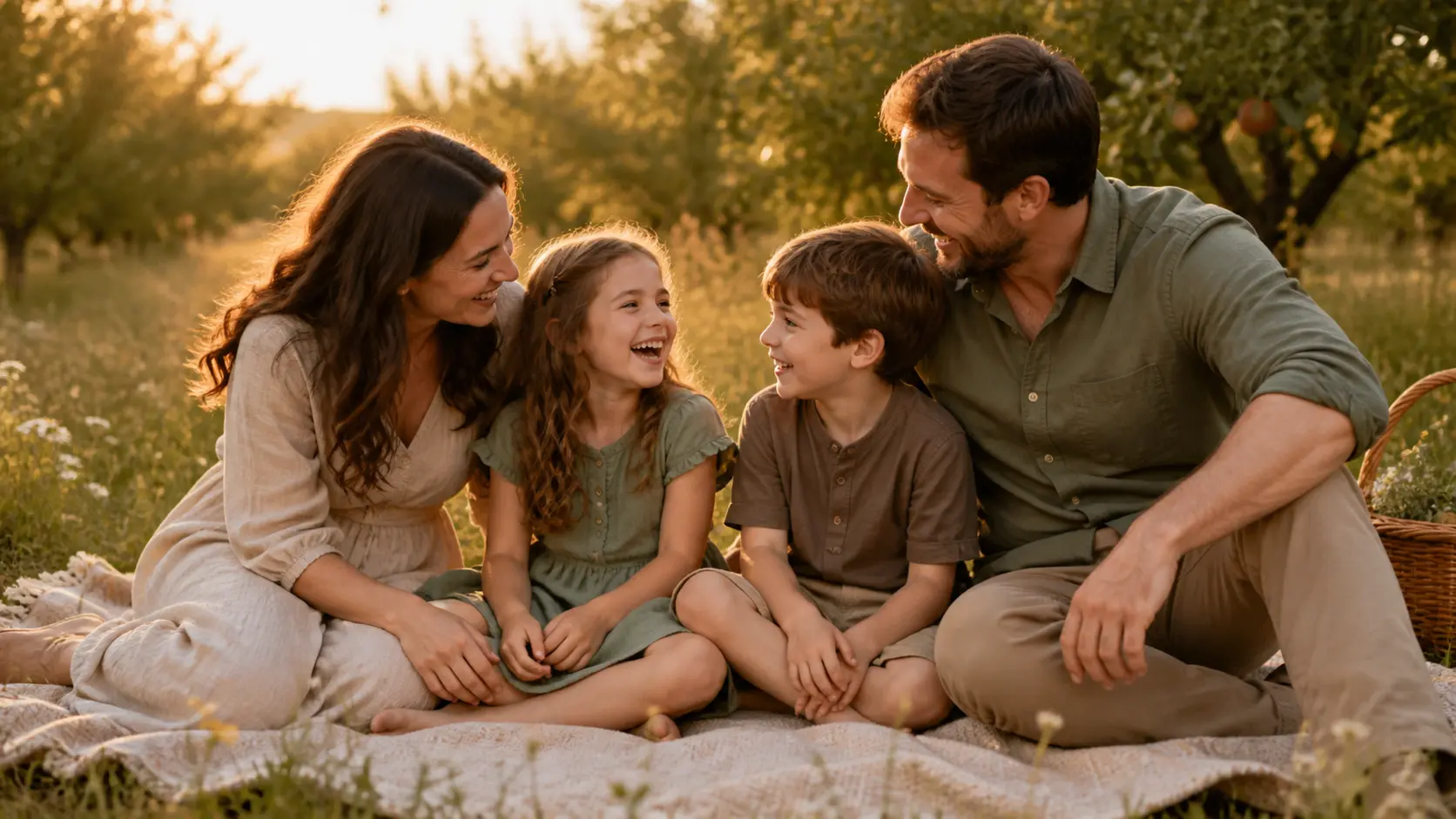
Turn one family photo to video with natural motion for reunions, birthdays, family chats, memory reels, and keepsakes.
Choose Your Family Photo
PNG · JPG · WebP · up to 25MB
1 free video per day · 480p · 5s · No audio · No signup required
Create a family photo to video in three focused steps.
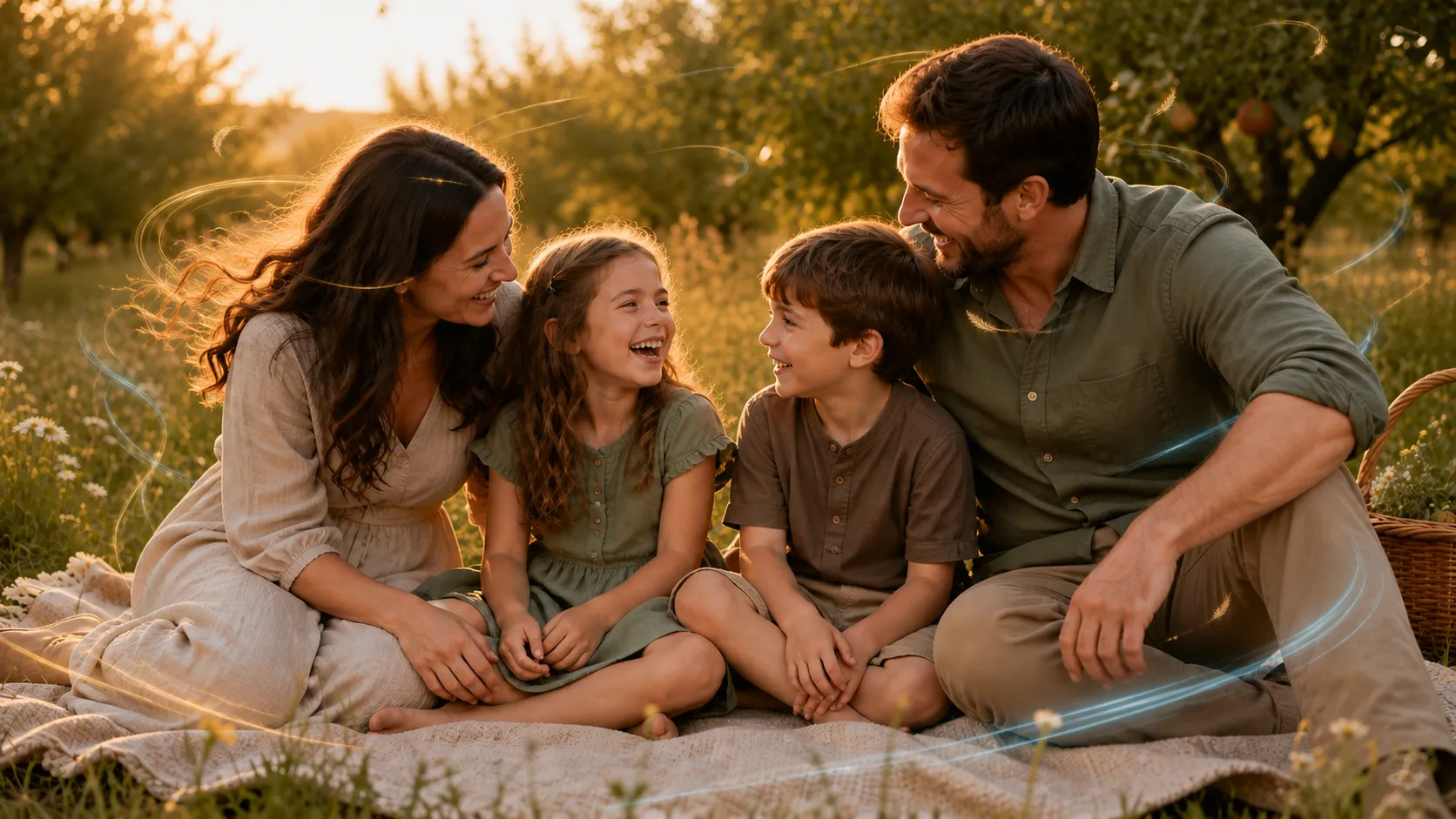
A useful family photo to video clip should preserve who is in the picture, how they relate to one another, and the mood you remember—not invent a completely different scene.
Use a slow push-in and one shared action for a family photo to video with grandparents, parents, and children. Keep every person in place and ask for only gentle breathing, a small blink, or a slight change in light.
Animate a Family PortraitGive a beach walk, picnic, or road-trip picture a clear direction. A family photo to video prompt can move water, hair, grass, or clothing while the camera follows one simple action that already fits the photo.
Animate a Vacation PhotoStart with the clearest scan you have. For an old family photo to video, request minimal motion and preserve facial identity, age, period clothing, monochrome tone, paper texture, and the original arrangement.
Animate an Old Family PhotoChoose a family photo to video plan for one special memory or a growing family archive.
Turn still images into high-quality AI videos.
Turn still images into high-quality AI videos.
Turn still images into high-quality AI videos.
Compare model credits by duration, resolution, and audio before you create a family photo to video.
| AI Model | Resolution | Standard Rate | 5-Second Cost | 10-Second Cost | With Audio |
|---|---|---|---|---|---|
| Seedance 1 Pro Fast | 480p · 720p · 1080p | 480p: 2 credits/s 720p: 4 credits/s 1080p: 8 credits/s | 480p: 10 credits 720p: 20 credits 1080p: 40 credits | 480p: 20 credits 720p: 40 credits 1080p: 80 credits | Not supported |
| Seedance 1 Pro | 480p · 720p · 1080p | 480p: 4 credits/s 720p: 8 credits/s 1080p: 19 credits/s | 480p: 20 credits 720p: 40 credits 1080p: 95 credits | 480p: 40 credits 720p: 80 credits 1080p: 190 credits | Not supported |
| Seedance 1.5 Pro | 480p · 720p · 1080p | 480p: 2 credits/s 720p: 4 credits/s 1080p: 8 credits/s | 480p: 10 credits 720p: 20 credits 1080p: 40 credits | 480p: 20 credits 720p: 40 credits 1080p: 80 credits | 480p: 4 credits/s 720p: 7 credits/s 1080p: 15 credits/s |
| Seedance 2.0 Fast | 480p · 720p | 480p: 9 credits/s 720p: 20 credits/s | 480p: 45 credits 720p: 100 credits | 480p: 90 credits 720p: 200 credits | Included at the standard rate |
| Seedance 2.0 | 480p · 720p | 480p: 10 credits/s 720p: 23 credits/s | 480p: 50 credits 720p: 115 credits | 480p: 100 credits 720p: 230 credits | Included at the standard rate |
| MiniMax H3 | 480p · 720p | 480p: 10 credits/s 720p: 23 credits/s | 480p: 50 credits 720p: 115 credits | 480p: 100 credits 720p: 230 credits | Included at the standard rate |
| Kling 2.6 Pro | 1080p | 1080p: 9 credits/s | 1080p: 45 credits | 1080p: 90 credits | 1080p: 18 credits/s |
Basic: 500 credits · Pro: 1000 credits · Ultimate: 4300 credits.
The audio column shows the total rate when audio is enabled, not an additional surcharge. Your exact cost is always shown before generation.

Turn product images into polished video ads with controlled camera motion, light sweeps, and stable product details.
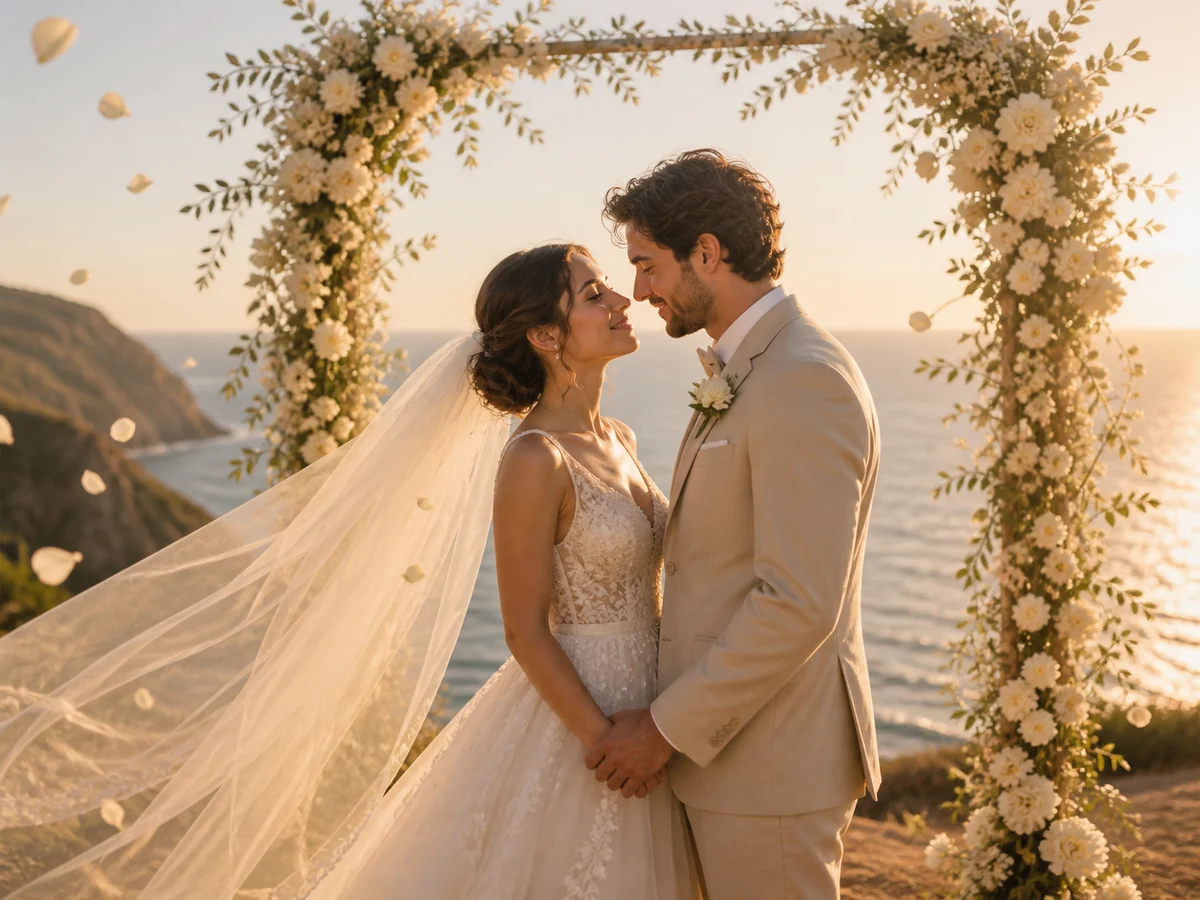
Bring wedding portraits to life with gentle expressions, flowing veils, drifting petals, and cinematic camera motion.
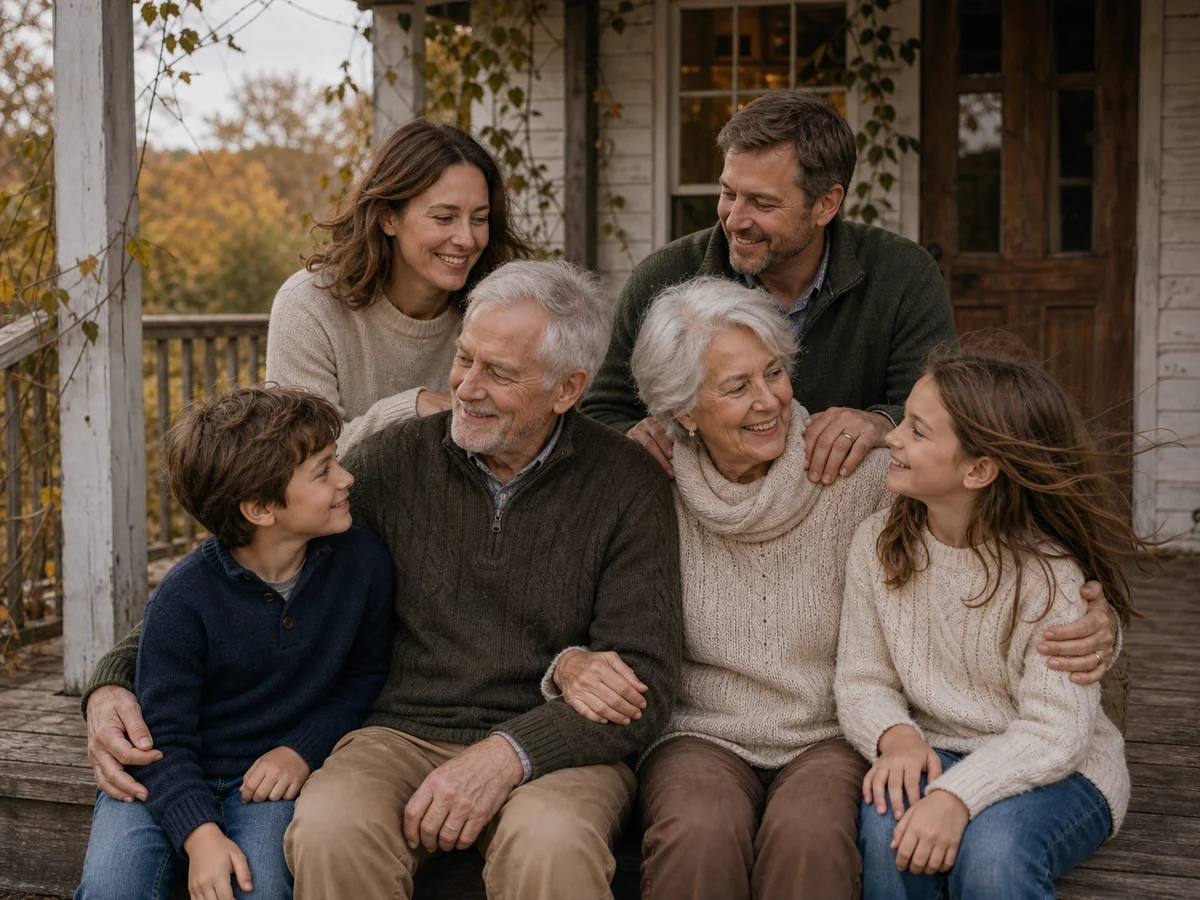
Animate family memories with natural movement while preserving faces, ages, poses, clothing, and the original composition.
Turn portraits, products, wedding photos, family memories, and more into short AI videos from one simple workspace.
For a cleaner family photo to video result, direct the camera once, give the group one shared motion, and state what must remain unchanged.
Very slow push-in. The family breathe naturally and blink at different moments while the light changes slightly. Preserve every face, age, hand, outfit, background, and the original group arrangement.
Static camera with a subtle 3% push-in. The parent looks toward the child and both share a small smile; hair and clothing move lightly. Keep faces, hands, body positions, and the room stable.
Almost static shot. Add gentle breathing, minimal eye movement, and soft film motion. Preserve identity, age, period clothing, black-and-white tone, grain, paper texture, and original framing. Do not colorize.
Upload one image, describe a camera move and a small action, then choose the available settings. The family photo to video maker creates one short animated clip from that source photo.
Choose a sharp, well-lit image with visible faces and hands. A family photo to video usually works better with a small group whose faces are large enough to see than with a crowded reunion picture.
There is no fixed face count, but complexity rises with every person. For a more stable family photo to video, use two to six clearly separated people or crop a large reunion photo around the relatives you want to animate.
PhotoVideos creates one short clip from one image at a time. Generate several family photo to video clips, then combine them with dates, captions, music, and transitions in a video editor.
Yes. Use a clear scan and request a slow push-in, gentle breathing, or minimal eye movement. Tell the family photo to video model to preserve the monochrome tone, grain, age, clothing, and original mood.
Use 16:9 for TVs, reunion screens, and landscape memory films. Choose 9:16 for Reels, TikTok, and Stories, and crop the source before family photo to video generation so important faces remain inside the frame.
Upload one meaningful picture and create a family photo to video with gentle, prompt-controlled movement.
A simple family photo to video workflow in your browser.