1
Upload Your Wedding Photo
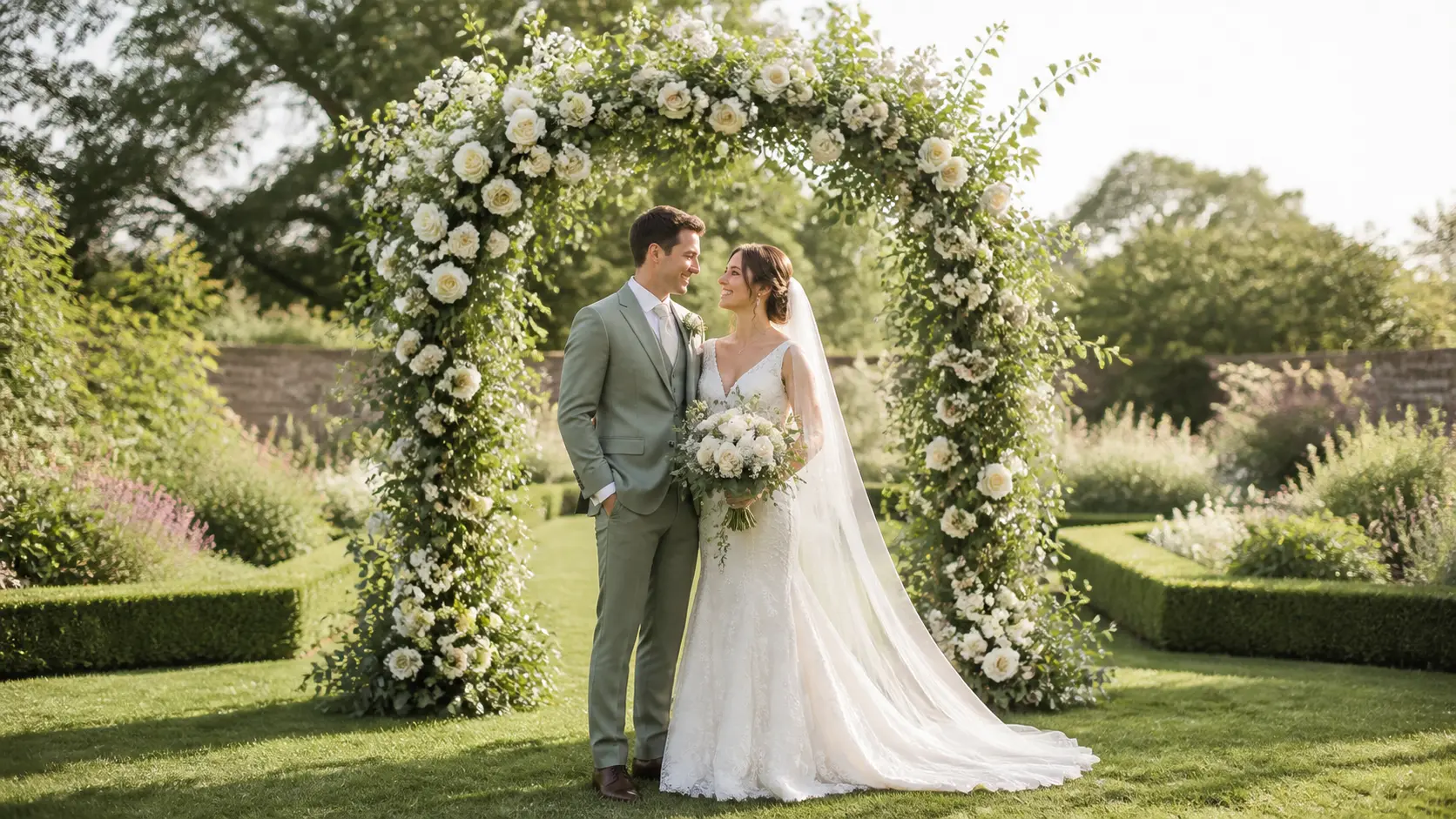
Turn a wedding photo to video with gentle AI motion for invitations, anniversaries, social posts, or reception screens.
Choose Your Wedding Photo
PNG · JPG · WebP · up to 25MB
1 free video per day · 480p · 5s · No signup required
Create a wedding photo to video in three simple steps.
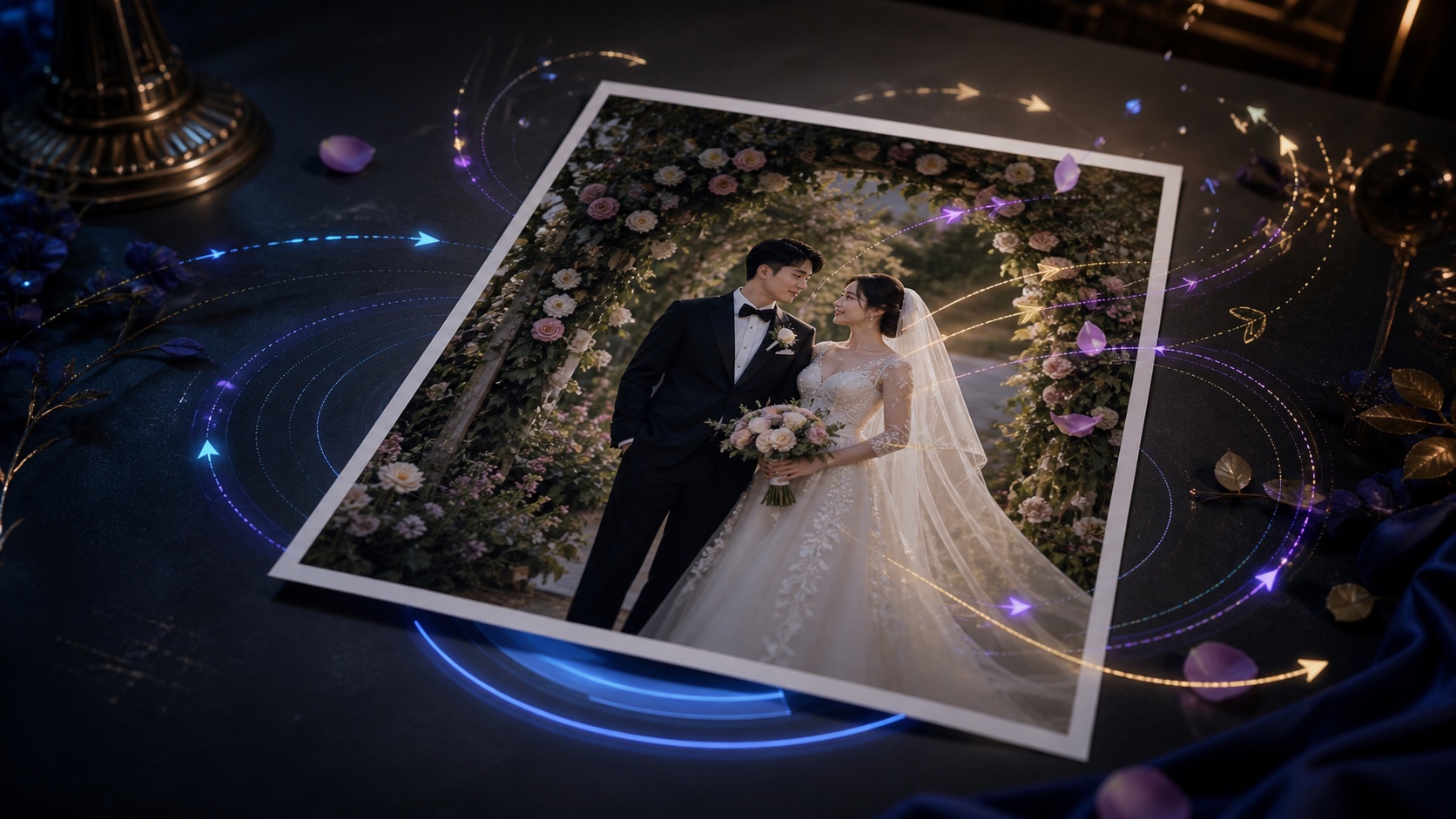
Create a wedding photo to video with believable movement while keeping the people, setting, and emotion true to the original image.
Use a slow push-in, natural blinking, gentle breathing, and light veil movement. This restrained wedding photo to video style keeps faces, hands, rings, flowers, and dress details consistent.
Animate a Wedding PortraitTurn sparkler exits, first dances, and confetti moments into short wedding photo to video clips. Use 9:16 for Reels or 16:9 for websites and reception screens.
Create a Wedding ReelUse a clear scan and subtle blinking, breathing, or fabric movement. A gentle wedding photo to video treatment preserves facial identity, film grain, period clothing, and the original framing.
Animate an Old Wedding PhotoChoose a wedding photo to video plan for occasional memories or regular creative work.
Turn still images into high-quality AI videos.
Turn still images into high-quality AI videos.
Turn still images into high-quality AI videos.
Compare model credits by duration, resolution, and audio before you generate.
| AI Model | Resolution | Standard Rate | 5-Second Cost | 10-Second Cost | With Audio |
|---|---|---|---|---|---|
| Seedance 1 Pro Fast | 480p · 720p · 1080p | 480p: 2 credits/s 720p: 4 credits/s 1080p: 8 credits/s | 480p: 10 credits 720p: 20 credits 1080p: 40 credits | 480p: 20 credits 720p: 40 credits 1080p: 80 credits | Not supported |
| Seedance 1 Pro | 480p · 720p · 1080p | 480p: 4 credits/s 720p: 8 credits/s 1080p: 19 credits/s | 480p: 20 credits 720p: 40 credits 1080p: 95 credits | 480p: 40 credits 720p: 80 credits 1080p: 190 credits | Not supported |
| Seedance 1.5 Pro | 480p · 720p · 1080p | 480p: 2 credits/s 720p: 4 credits/s 1080p: 8 credits/s | 480p: 10 credits 720p: 20 credits 1080p: 40 credits | 480p: 20 credits 720p: 40 credits 1080p: 80 credits | 480p: 4 credits/s 720p: 7 credits/s 1080p: 15 credits/s |
| Seedance 2.0 Fast | 480p · 720p | 480p: 9 credits/s 720p: 20 credits/s | 480p: 45 credits 720p: 100 credits | 480p: 90 credits 720p: 200 credits | Included at the standard rate |
| Seedance 2.0 | 480p · 720p | 480p: 10 credits/s 720p: 23 credits/s | 480p: 50 credits 720p: 115 credits | 480p: 100 credits 720p: 230 credits | Included at the standard rate |
| MiniMax H3 | 480p · 720p | 480p: 10 credits/s 720p: 23 credits/s | 480p: 50 credits 720p: 115 credits | 480p: 100 credits 720p: 230 credits | Included at the standard rate |
| Kling 2.6 Pro | 1080p | 1080p: 9 credits/s | 1080p: 45 credits | 1080p: 90 credits | 1080p: 18 credits/s |
Basic: 500 credits · Pro: 1000 credits · Ultimate: 4300 credits.
The audio column shows the total rate when audio is enabled, not an additional surcharge. Your exact cost is always shown before generation.
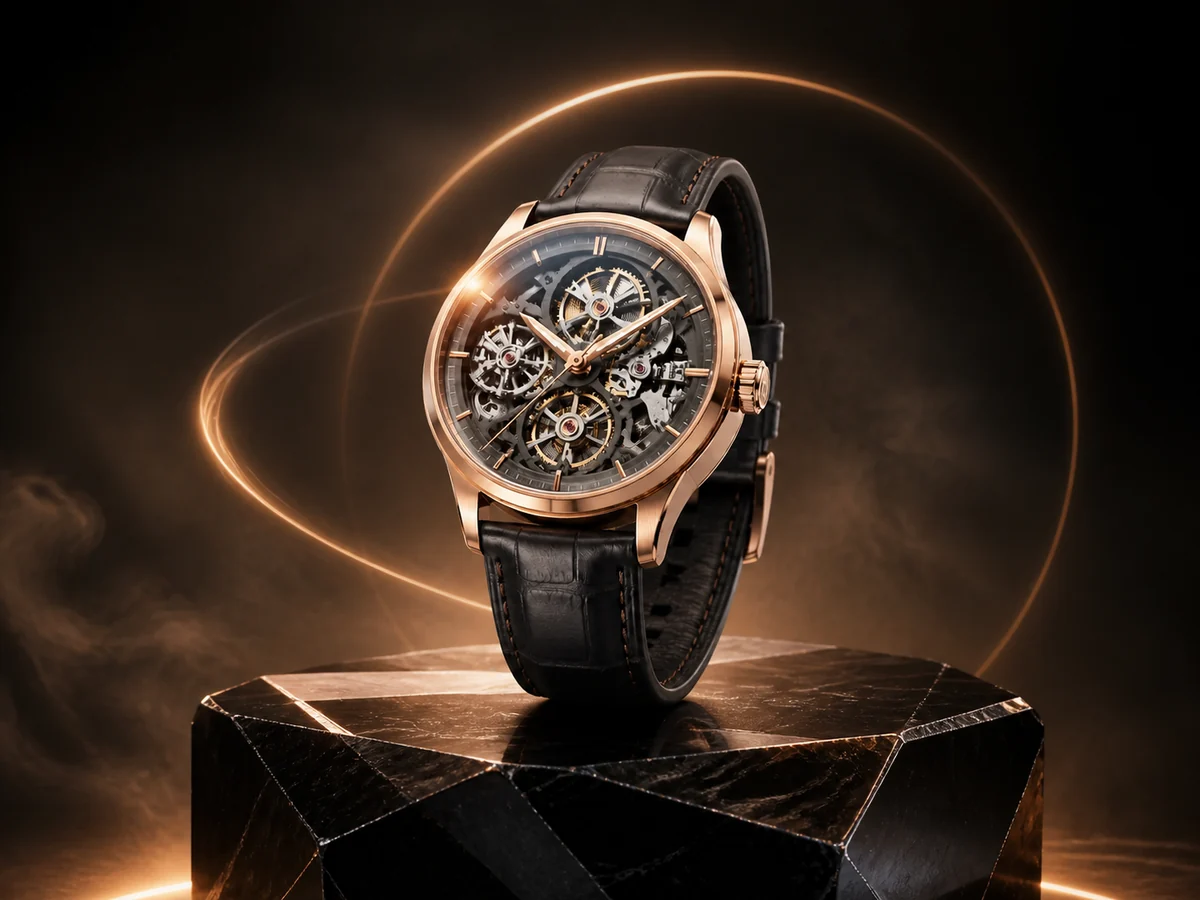
Turn product images into polished video ads with controlled camera motion, light sweeps, and stable product details.
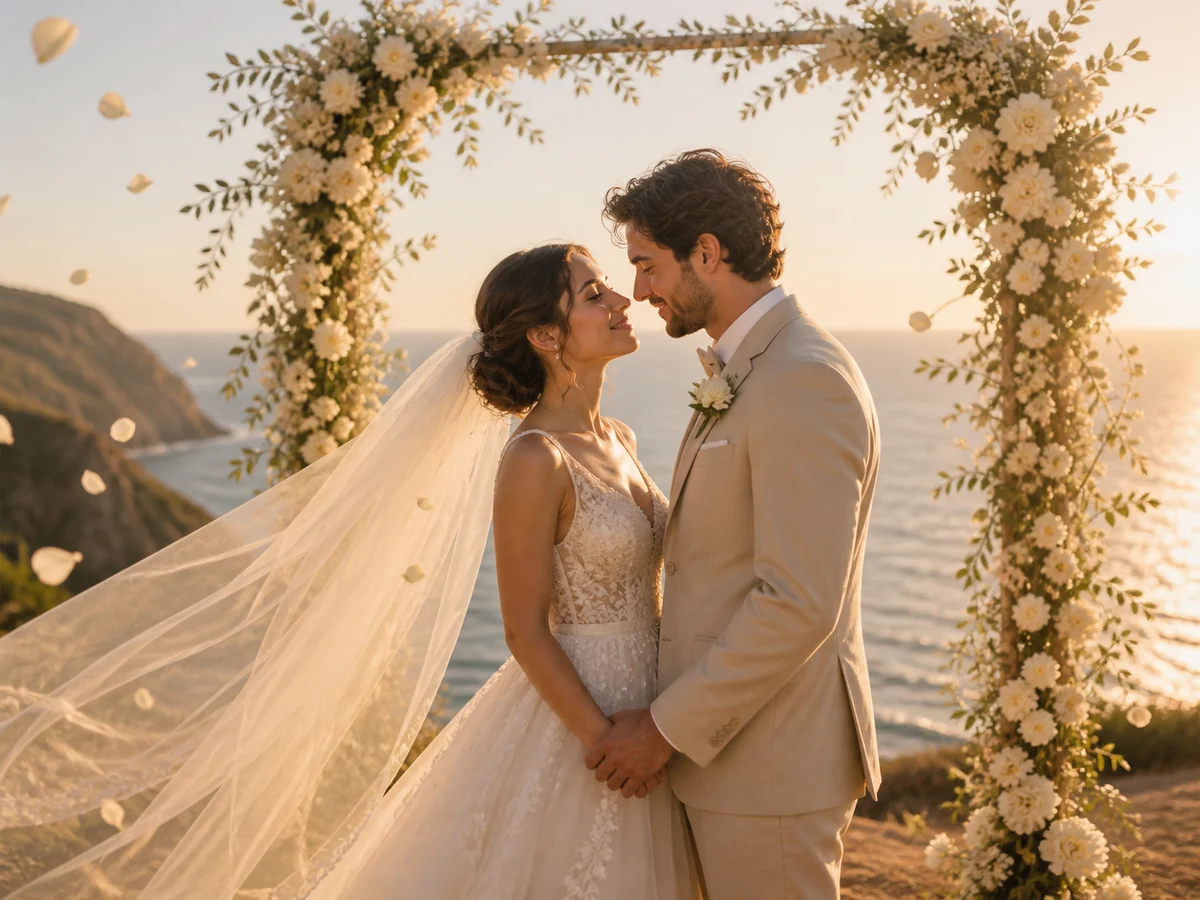
Bring wedding portraits to life with gentle expressions, flowing veils, drifting petals, and cinematic camera motion.
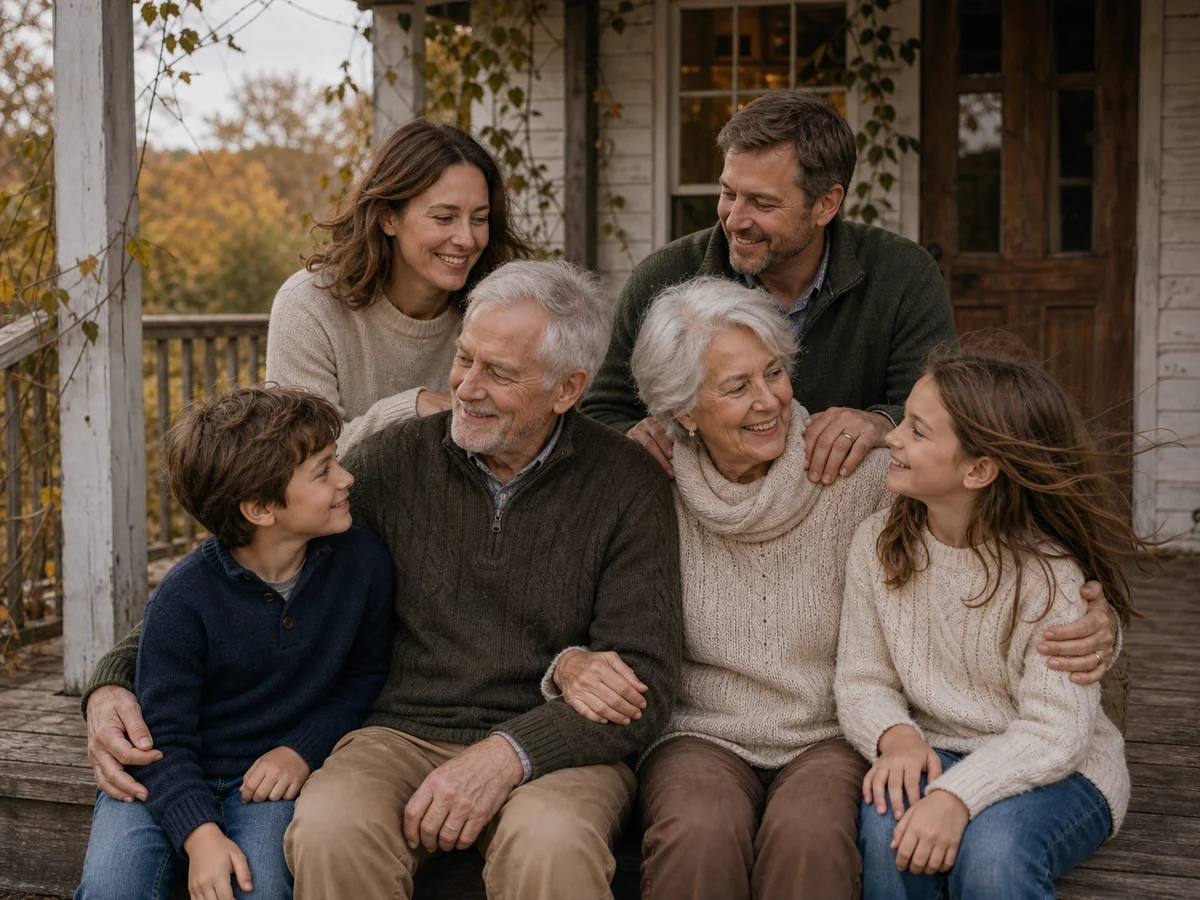
Animate family memories with natural movement while preserving faces, ages, poses, clothing, and the original composition.
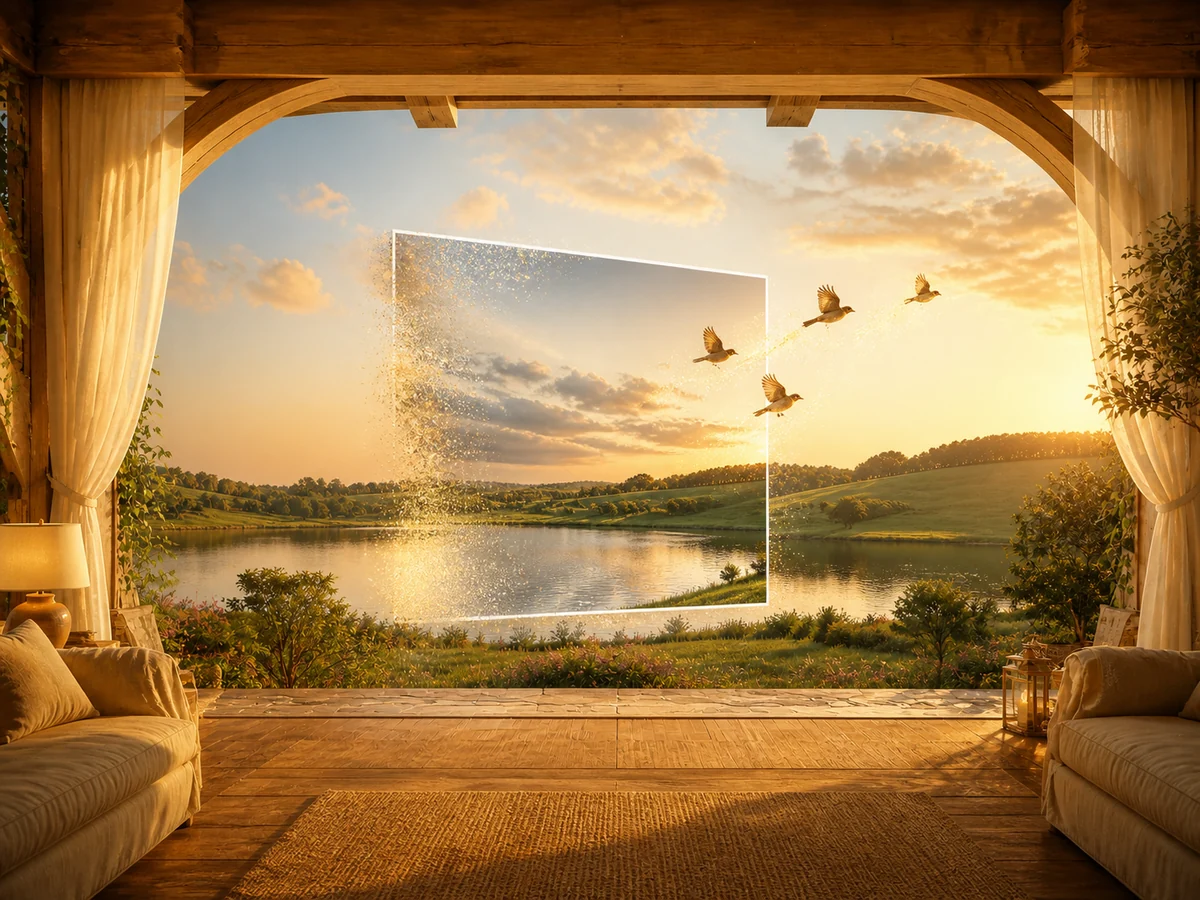
Turn portraits, products, wedding photos, family memories, and more into short AI videos from one simple workspace.
Choose one camera move and one natural action. Short wedding photo to video prompts usually produce cleaner, more consistent motion.
Slow push-in. The couple breathe and blink naturally; the veil lifts gently and a few petals drift. Preserve faces, hands, clothing, flowers, and the ceremony setting.
Smooth forward tracking as the couple walks. Sparklers flicker and reflections shimmer. Keep faces, hands, dress, guests, and venue geometry stable.
Very slow push-in. Add subtle blinking, breathing, and a light veil flutter. Preserve the black-and-white film grain, faces, period clothing, and chapel.
Upload one image, describe the motion, and choose your settings. The wedding photo to video maker then generates a short animated clip from that photo.
Choose a sharp, well-lit image with visible faces and hands. Leave space around the veil, dress, bouquet, or background for natural wedding photo to video motion.
Request subtle motion and avoid completely new actions. Ask the wedding photo to video model to preserve faces, hands, jewelry, lace, flowers, and background geometry.
PhotoVideos creates short clips from individual photos. Generate several wedding photo to video clips, then combine them with music, titles, and transitions in an editor.
Yes. Use a clear scan and request only blinking, breathing, light fabric movement, or a slow push-in. Preserve the original grain and period details.
Use 16:9 for websites and reception screens. Choose 9:16 for Reels, TikTok, and Stories, and crop the source before wedding photo to video generation.
Upload one meaningful image and create a wedding photo to video with gentle, prompt-controlled motion.
Simple wedding photo to video creation in your browser.