1
Upload One Shared Couple Photo
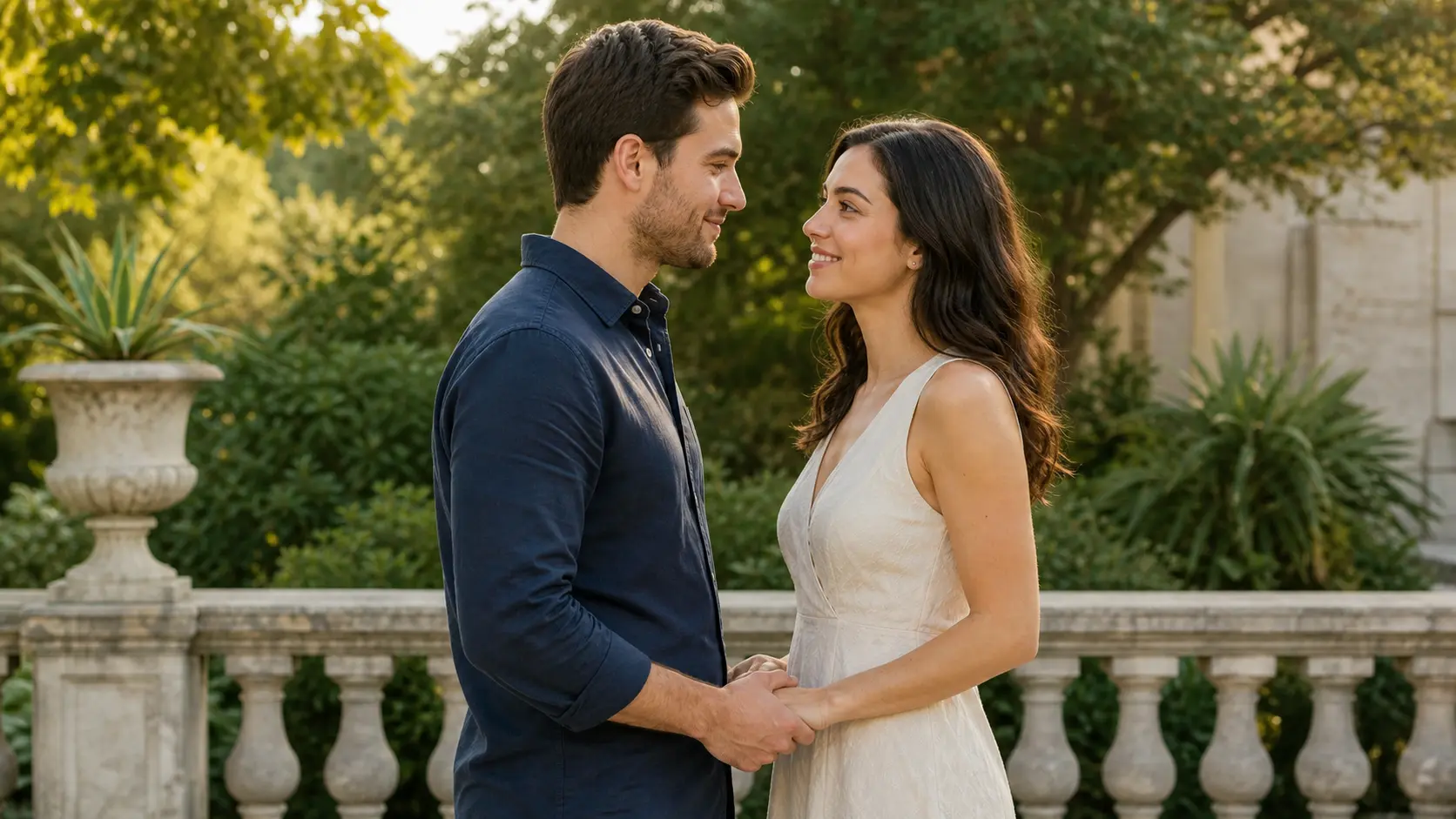
Turn one shared photo to kissing video with a gentle lean-in, a brief romantic kiss, and prompt-controlled camera motion.
Choose a Shared Couple Photo
PNG · JPG · WebP · up to 25MB
1 free video per day · 480p · 5s · No audio · No signup required
Create a photo to kissing video in three clear steps using one shared image of two consenting adults.
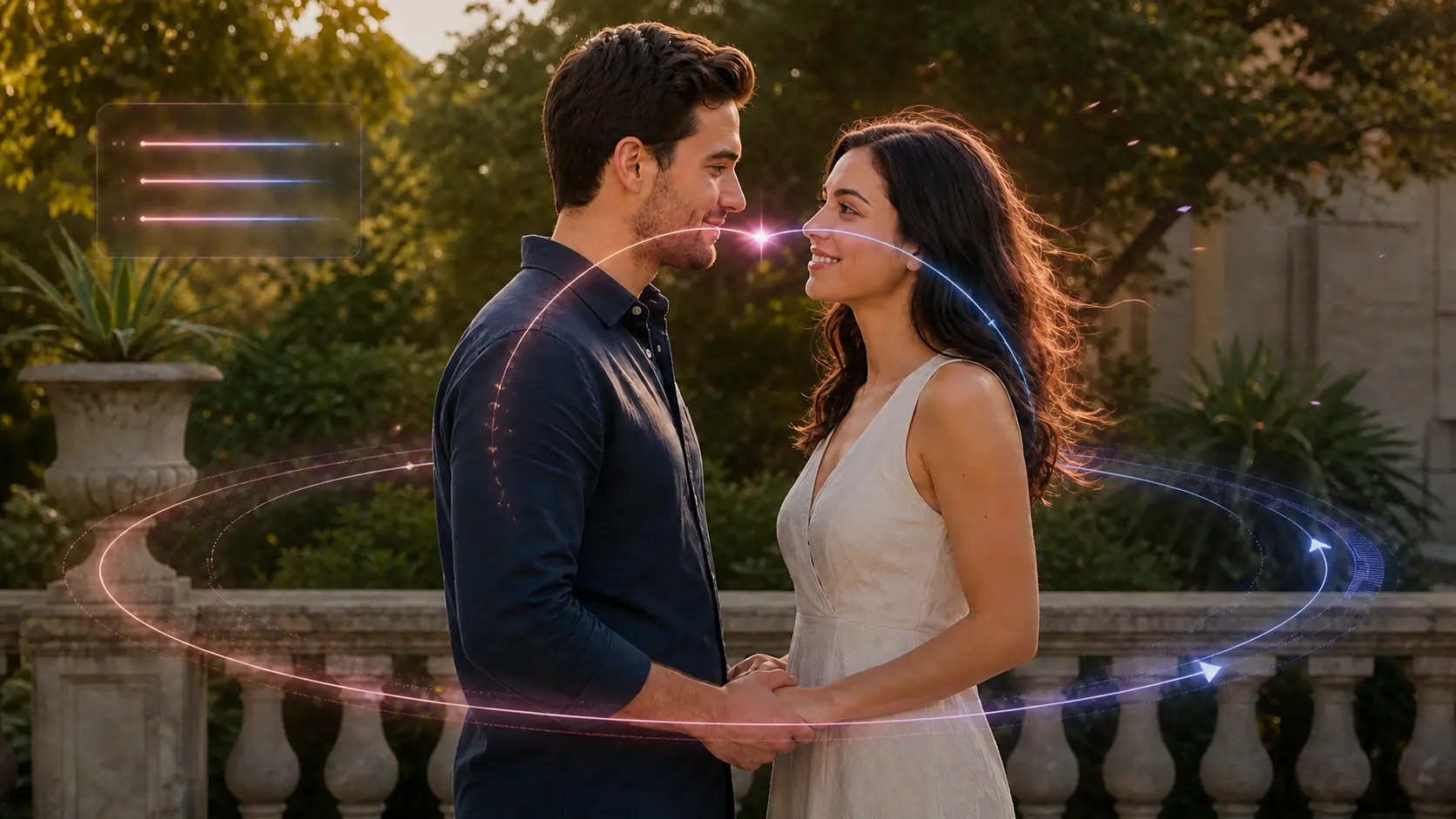
A convincing photo to kissing video should begin with two adults already visible in one frame, move them along a short believable path, and keep their identities and surroundings recognizable.
Use a small camera arc, one shared breath, and a short lean-in for a warm photo to kissing video. Let curtains, hair, or leaves move softly while both faces remain clear. This works well for anniversaries, travel memories, and private romantic messages.
Animate a Sunset PhotoA rainy scene already contains useful secondary motion. Direct the umbrella to tilt slightly, rain to continue, and reflections to shimmer while the adults touch foreheads and share one brief kiss. Keep the camera move restrained so the faces do not drift.
Create a Rainy Kiss ClipCreate an anime photo to kissing video while preserving the original illustration style. Use a short lean-in, subtle hair movement, and soft city-light shimmer without changing the character designs, linework, proportions, clothing, or sunset color palette.
Animate an Anime CoupleChoose a photo to kissing video plan for one private message, an anniversary clip, or several romantic edits.
Turn still images into high-quality AI videos.
Turn still images into high-quality AI videos.
Turn still images into high-quality AI videos.
Compare model credits by duration, resolution, and audio before you create a photo to kissing video.
| AI Model | Resolution | Standard Rate | 5-Second Cost | 10-Second Cost | With Audio |
|---|---|---|---|---|---|
| Seedance 1 Pro Fast | 480p · 720p · 1080p | 480p: 2 credits/s 720p: 4 credits/s 1080p: 8 credits/s | 480p: 10 credits 720p: 20 credits 1080p: 40 credits | 480p: 20 credits 720p: 40 credits 1080p: 80 credits | Not supported |
| Seedance 1 Pro | 480p · 720p · 1080p | 480p: 4 credits/s 720p: 8 credits/s 1080p: 19 credits/s | 480p: 20 credits 720p: 40 credits 1080p: 95 credits | 480p: 40 credits 720p: 80 credits 1080p: 190 credits | Not supported |
| Seedance 1.5 Pro | 480p · 720p · 1080p | 480p: 2 credits/s 720p: 4 credits/s 1080p: 8 credits/s | 480p: 10 credits 720p: 20 credits 1080p: 40 credits | 480p: 20 credits 720p: 40 credits 1080p: 80 credits | 480p: 4 credits/s 720p: 7 credits/s 1080p: 15 credits/s |
| Seedance 2.0 Fast | 480p · 720p | 480p: 9 credits/s 720p: 20 credits/s | 480p: 45 credits 720p: 100 credits | 480p: 90 credits 720p: 200 credits | Included at the standard rate |
| Seedance 2.0 | 480p · 720p | 480p: 10 credits/s 720p: 23 credits/s | 480p: 50 credits 720p: 115 credits | 480p: 100 credits 720p: 230 credits | Included at the standard rate |
| MiniMax H3 | 480p · 720p | 480p: 10 credits/s 720p: 23 credits/s | 480p: 50 credits 720p: 115 credits | 480p: 100 credits 720p: 230 credits | Included at the standard rate |
| Kling 2.6 Pro | 1080p | 1080p: 9 credits/s | 1080p: 45 credits | 1080p: 90 credits | 1080p: 18 credits/s |
Basic: 500 credits · Pro: 1000 credits · Ultimate: 4300 credits.
The audio column shows the total rate when audio is enabled, not an additional surcharge. Your exact cost is always shown before generation.

Turn product images into polished video ads with controlled camera motion, light sweeps, and stable product details.
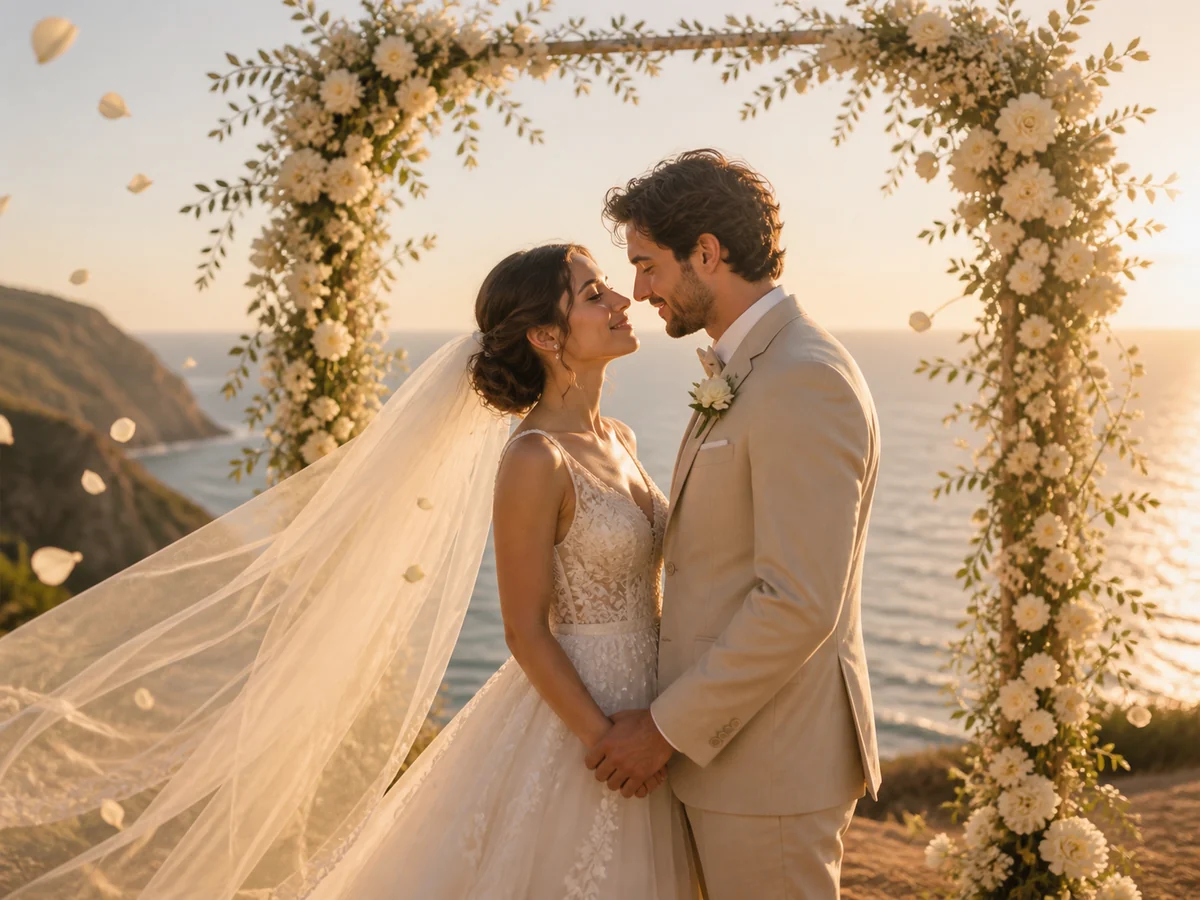
Bring wedding portraits to life with gentle expressions, flowing veils, drifting petals, and cinematic camera motion.
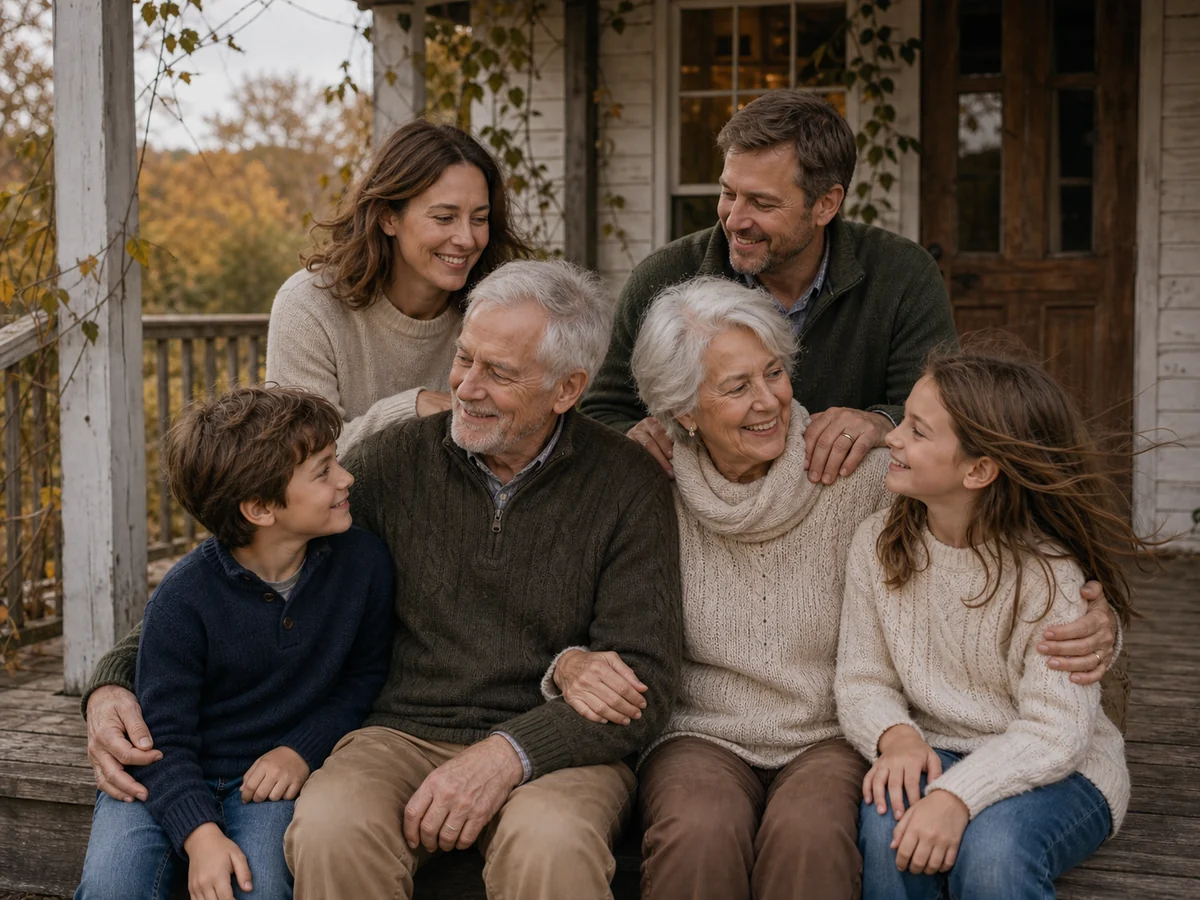
Animate family memories with natural movement while preserving faces, ages, poses, clothing, and the original composition.

Turn portraits, products, wedding photos, family memories, and more into short AI videos from one simple workspace.
For a cleaner photo to kissing video, describe the approach, the brief kiss, and the ending pose in that order. The same structure works for an anime photo to kissing video: keep the camera move small and state which details must stay unchanged.
Slow push-in. The two adults smile, lean in, share one brief closed-mouth kiss, then remain close. Preserve both faces, hands, clothing, background, and lighting. No face merging or sudden movement.
Static camera with a subtle 3% push-in. One adult gives the other a gentle forehead kiss while both breathe and blink naturally. Keep facial identity, hands, hair, clothing, and the original pose stable.
Slow lateral drift. The two adults touch foreheads and share a soft brief kiss as rain falls, the umbrella tilts slightly, and wet reflections shimmer. Preserve faces, hands, coats, umbrella, street geometry, and exposure.
Upload one shared image that already shows two consenting adults, describe a small camera move and a gentle kiss, then choose the available settings. The photo to kissing video maker generates one short clip from that starting frame.
This page currently accepts one source image, so both adults should already appear together in the same photo. It does not merge two separate portraits. A clear shared image gives the photo to kissing video model a more stable pose, scale, background, and lighting reference.
Choose a sharp, well-lit waist-up photo with two unobstructed adult faces at a similar scale. Side or three-quarter angles with a little space between the faces usually give the photo to kissing video model a clearer lean-in path than crossed arms, hidden hands, sunglasses, or crowded backgrounds.
A kiss requires both heads to move and partly overlap, which is harder than blinking or smiling. Reduce the camera move, request one brief closed-mouth kiss, and tell the photo to kissing video model to preserve both identities, hands, clothing, and background. If the result still drifts, try a clearer source photo.
No. Use photos of yourself and adults who agreed to appear. Do not create romantic content involving minors, public figures without permission, or anyone who has not consented. Review the generated photo to kissing video before sharing it.
Choose 9:16 for Reels, TikTok, Shorts, and mobile messages. Use 16:9 for desktop viewing or a wider cinematic scene. Crop the source before photo to kissing video generation so both adult faces and important hand positions remain inside the frame.
Upload one permitted couple photo and create a photo to kissing video with a clear, tasteful, prompt-controlled romantic action.
A consent-first photo to kissing video workflow in your browser.