Photo to Video AI Free
Turn any still image into a short, engaging AI video online. Upload a portrait, product image, old photo, landscape, or artwork, describe how it should move, and generate a video without installing editing software.
Upload Image
PNG · JPG · WebP · up to 25MB
1 free video per day · 480p · 5s · No signup required
Photo to Video AI Examples
Popular Photo Animation Use Cases
Explore purpose-built AI tools for product ads, wedding memories, family photos, romantic moments, and MiniMax H3 video creation.

Product Photo to Video
Turn product images into polished video ads with controlled camera motion, light sweeps, and stable product details.
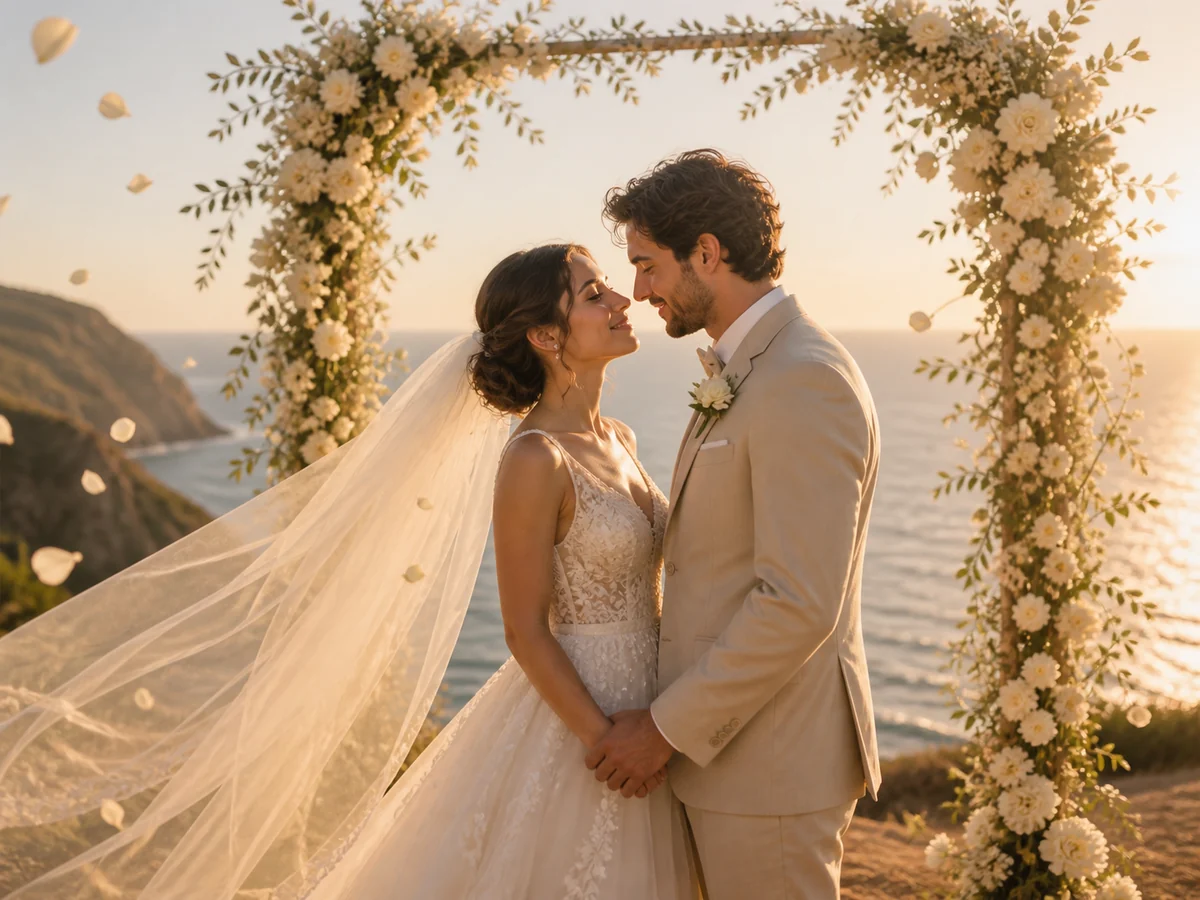
Wedding Photo to Video
Bring wedding portraits to life with gentle expressions, flowing veils, drifting petals, and cinematic camera motion.
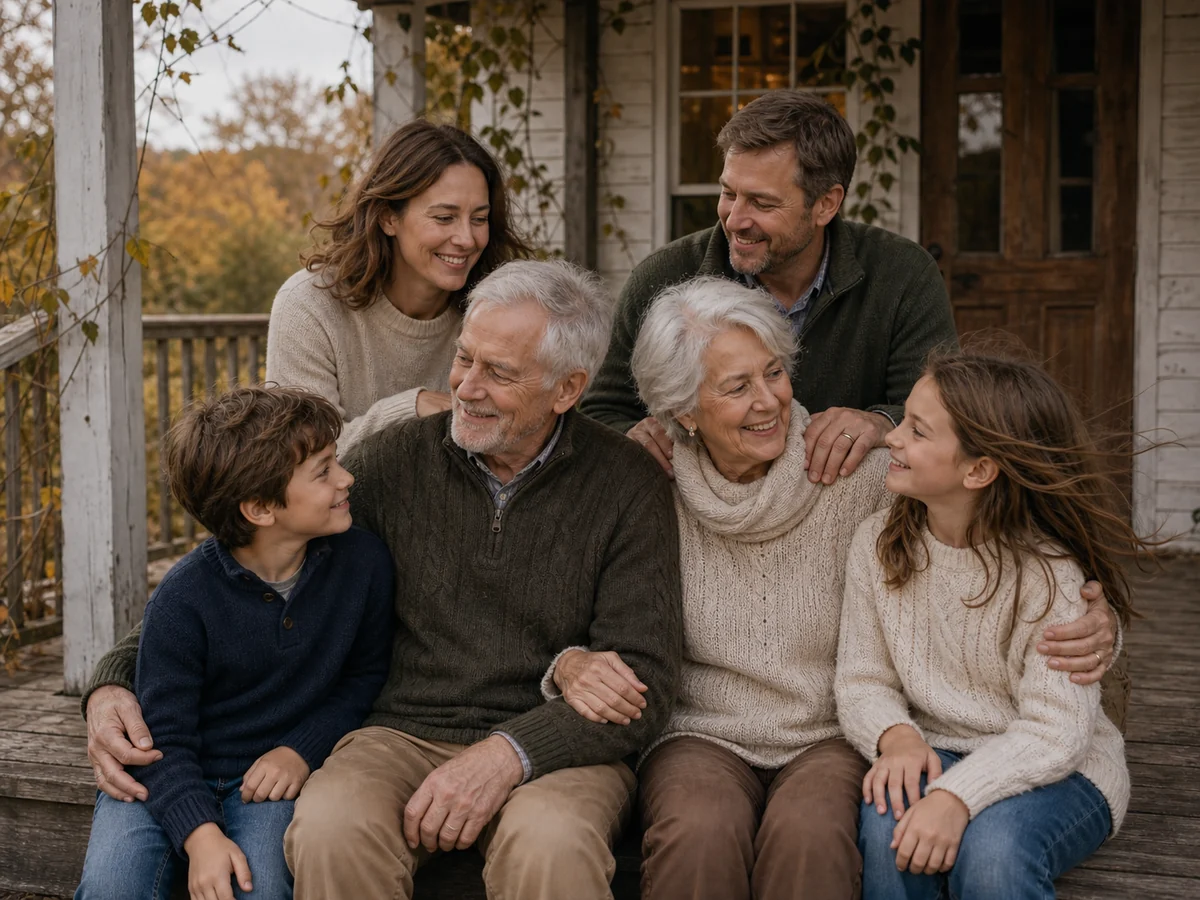
Family Photo to Video
Animate family memories with natural movement while preserving faces, ages, poses, clothing, and the original composition.
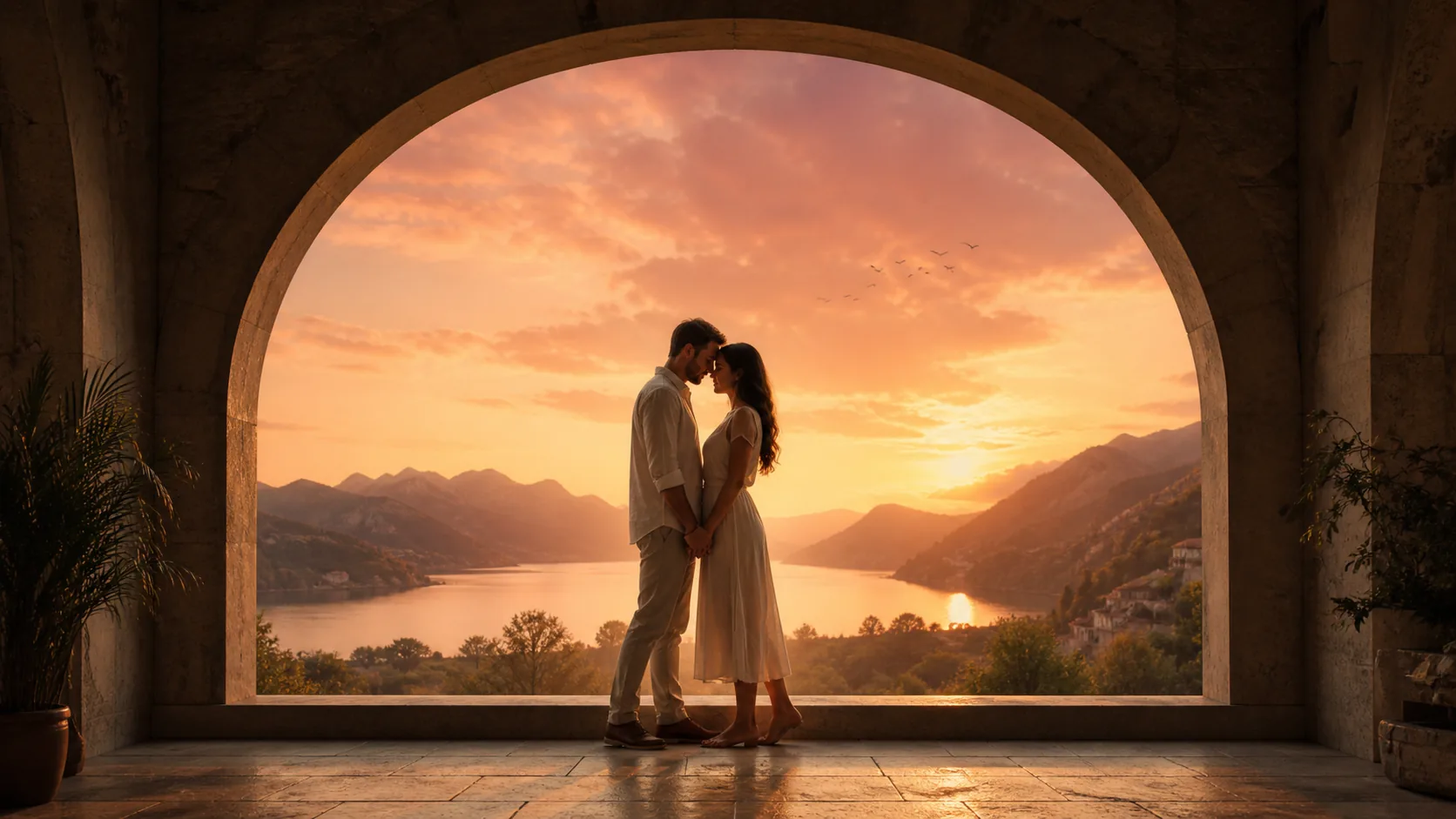
Photo to Kissing Video
Turn one shared couple photo into a tasteful AI kissing video with gentle, prompt-controlled romantic motion.

MiniMax H3 Video Generator
Create cinematic image-to-video clips with prompt-controlled motion, consistent scenes, and synchronized audio.
How to Turn a Photo into a Video with AI
Create a video in three simple steps with our Photo to Video AI Free workflow.
Step 1: Upload Your Photo
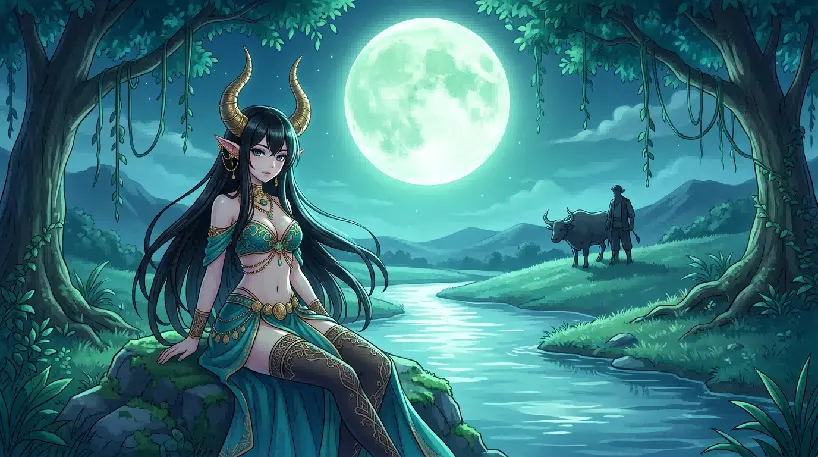
Step 2: Describe the Motion
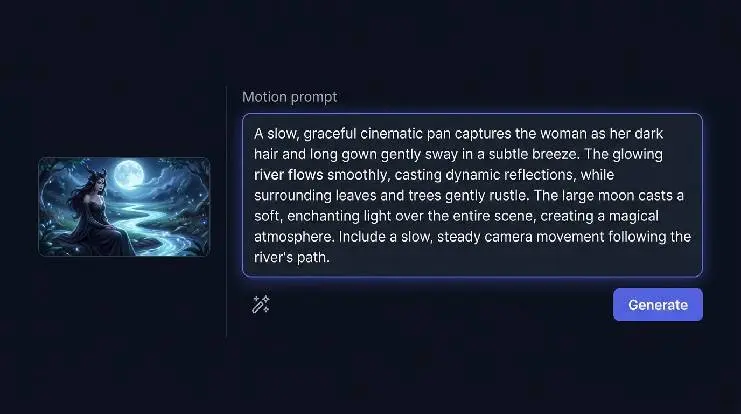
Step 3: Generate and Download
Create Natural AI Videos from Still Images
Photo to Video AI Free is designed to make image animation simple while giving you control over the subject, background, camera, and final format.
Natural Motion That Matches the Image
The generator analyzes the visible subject and scene before adding movement. Use low motion for portraits and old photos, or stronger motion for products, landscapes, fantasy art, and creative social content.
Control the Video with a Text Prompt
Describe the action, mood, camera angle, lighting, speed, and background movement. A clear prompt helps the model understand which parts of the image should stay consistent and which parts should change.
Ready for TikTok, Reels, Shorts, and Ads
Create vertical, square, or landscape videos for different platforms. Choose 9:16 for TikTok and Instagram Reels, 1:1 for square posts, or 16:9 for YouTube, websites, and presentations.
Choose Your Plan
Start with our flexible pricing options designed to scale with your business needs.
Basic
Turn still images into high-quality AI videos.
- 500 credits every month
- Billed annually with 12 monthly credit allocations
- Create AI videos from photos
- Seedance and Kling video models
- Up to 1080p video generation
- 5-second and 10-second durations
- Download generated videos
- Commercial use
Pro
Turn still images into high-quality AI videos.
- 1000 credits every month
- Billed annually with 12 monthly credit allocations
- Create AI videos from photos
- Seedance and Kling video models
- Up to 1080p video generation
- 5-second and 10-second durations
- Download generated videos
- Commercial use
Ultimate
Turn still images into high-quality AI videos.
- 4300 credits every month
- Billed annually with 12 monthly credit allocations
- Create AI videos from photos
- Seedance and Kling video models
- Up to 1080p video generation
- 5-second and 10-second durations
- Download generated videos
- Commercial use
Photo to Video AI Credit Pricing
Credits are calculated from the selected AI model, video duration, resolution, and optional audio. The estimated cost is shown before generation.
| AI Model | Resolution | Standard Rate | 5-Second Cost | 10-Second Cost | With Audio |
|---|---|---|---|---|---|
| Seedance 1 Pro Fast | 480p · 720p · 1080p | 480p: 2 credits/s 720p: 4 credits/s 1080p: 8 credits/s | 480p: 10 credits 720p: 20 credits 1080p: 40 credits | 480p: 20 credits 720p: 40 credits 1080p: 80 credits | Not supported |
| Seedance 1 Pro | 480p · 720p · 1080p | 480p: 4 credits/s 720p: 8 credits/s 1080p: 19 credits/s | 480p: 20 credits 720p: 40 credits 1080p: 95 credits | 480p: 40 credits 720p: 80 credits 1080p: 190 credits | Not supported |
| Seedance 1.5 Pro | 480p · 720p · 1080p | 480p: 2 credits/s 720p: 4 credits/s 1080p: 8 credits/s | 480p: 10 credits 720p: 20 credits 1080p: 40 credits | 480p: 20 credits 720p: 40 credits 1080p: 80 credits | 480p: 4 credits/s 720p: 7 credits/s 1080p: 15 credits/s |
| Seedance 2.0 Fast | 480p · 720p | 480p: 9 credits/s 720p: 20 credits/s | 480p: 45 credits 720p: 100 credits | 480p: 90 credits 720p: 200 credits | Included at the standard rate |
| Seedance 2.0 | 480p · 720p | 480p: 10 credits/s 720p: 23 credits/s | 480p: 50 credits 720p: 115 credits | 480p: 100 credits 720p: 230 credits | Included at the standard rate |
| MiniMax H3 | 480p · 720p | 480p: 10 credits/s 720p: 23 credits/s | 480p: 50 credits 720p: 115 credits | 480p: 100 credits 720p: 230 credits | Included at the standard rate |
| Kling 2.6 Pro | 1080p | 1080p: 9 credits/s | 1080p: 45 credits | 1080p: 90 credits | 1080p: 18 credits/s |
Basic: 500 credits · Pro: 1000 credits · Ultimate: 4300 credits.
The audio column shows the total rate when audio is enabled, not an additional surcharge. Your exact cost is always shown before generation.
What Creators Say About Photo to Video AI
Real feedback from users who turned photos into AI videos.
- 5.0
I animated a product photo with a slow rotation prompt and used the clip straight in a Reels ad. Way faster than filming a real video.

Marketing Creator, Marketing Team
- 5.0
The portrait animation kept my subject recognizable while adding subtle blinking and hair movement. Great for TikTok hooks.

Content Creator, TikTok / Reels Creator
- 5.0
I brought a few old family photos to life with gentle motion. Everyone loved seeing them move without changing the original look.

Family Archivist, Hobbyist
Frequently Asked Questions
Common questions about Photo to Video AI Free.
Photo to Video AI Free is an online image-to-video generator that adds AI-created movement to a still picture. Upload an image, describe the motion, choose your settings, and generate a downloadable video.
New users receive 10 free credits. The number of free generations depends on the selected model, duration, resolution, and output settings.
You can upload JPG, PNG, and WebP images up to 20 MB. The generator is suitable for portraits, product photos, old pictures, landscapes, illustrations, anime art, pet photos, and social media graphics.
Describe the main subject, one clear action, the camera movement, and the desired mood. For example: “The woman smiles naturally and blinks while her hair moves gently in the wind. The camera slowly pushes closer.”
Yes. Use subtle expressions, blinking, breathing, and slow camera movement. Avoid requesting large body movements when the original image shows only a face or upper body.
Yes. Upload a clean product image and describe a simple movement such as a slow rotation, camera orbit, light sweep, close-up, or background animation.
Use 9:16 for TikTok, Instagram Reels, and YouTube Shorts; 1:1 for square social posts; and 16:9 for YouTube, websites, presentations, and landscape advertisements.
Free exports include a watermark. Videos generated with a paid plan can be downloaded without a watermark.
Commercial use is available for videos generated with eligible paid plans, subject to the Terms of Service and the usage rules of the selected model.
Uploaded images are used only to provide the generation service and are handled according to the Privacy Policy. Original uploads and generated files are automatically deleted after 24 hours.
Use a sharp, well-lit image with a clearly visible subject. Leave enough space around the face, body, or product for movement, and avoid severe blur, overlapping faces, distorted hands, or important details cut off by the frame.
Generation time depends on the selected model, video length, output quality, and current server demand. The estimated processing time is shown before you submit the task.
Yes. The workflow only requires an image, a short motion description, and several output settings. No timeline editing or keyframe animation is required.
Create a Video from Your Photo Today
Use Photo to Video AI Free to animate a portrait, product image, old picture, artwork, or landscape. Upload your image, describe the movement, choose your format, and create a video for your next project. Start with 10 free credits.
Photo to Video AI Free — Turn Still Images into AI Videos Online