| Product Videos | A clear product shot with a stable shape, logo, and background. | Camera orbit, close-up, light movement, reveal, or controlled background motion. | Short ecommerce ad, product listing video, or social promotion. |
|---|
| Wedding Memories | A wedding portrait, ceremony moment, first dance, or restored wedding photo. | Subtle expressions, fabric and veil movement, petals, and slow cinematic camera motion. | Wedding reel, anniversary keepsake, invitation, or memory montage clip. |
|---|
| Family Photos | A family portrait, childhood snapshot, vacation image, or old black-and-white photo. | Gentle facial motion and scene ambience with identity and age preservation. | Family archive clip, memorial video, reunion reel, or restored-photo animation. |
|---|
| Couple Animation | One clear image containing two adults with visible faces and compatible poses. | Prompt-directed couple movement with restrained camera and background changes. | Romantic reel, anniversary edit, couple portrait animation, or stylized scene. |
|---|


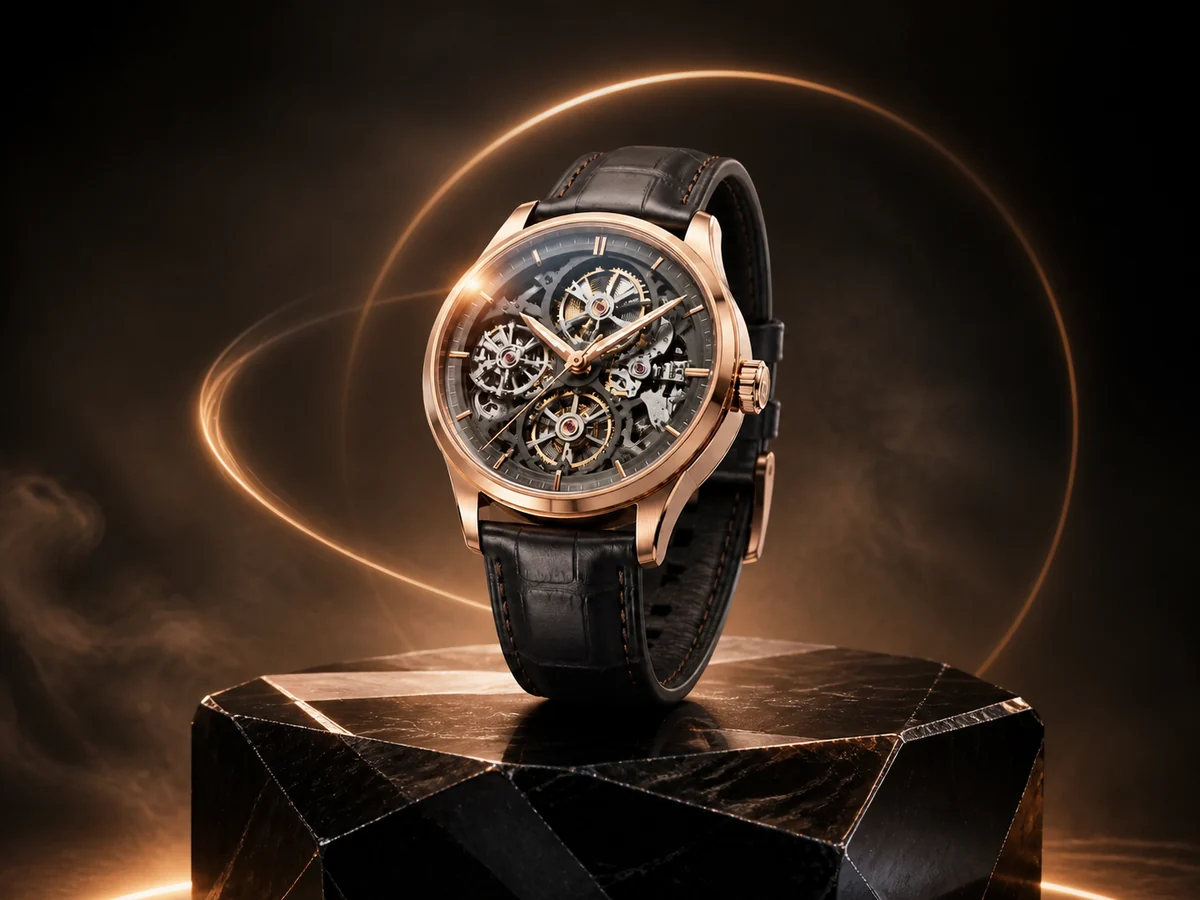 Ecommerce & Ads