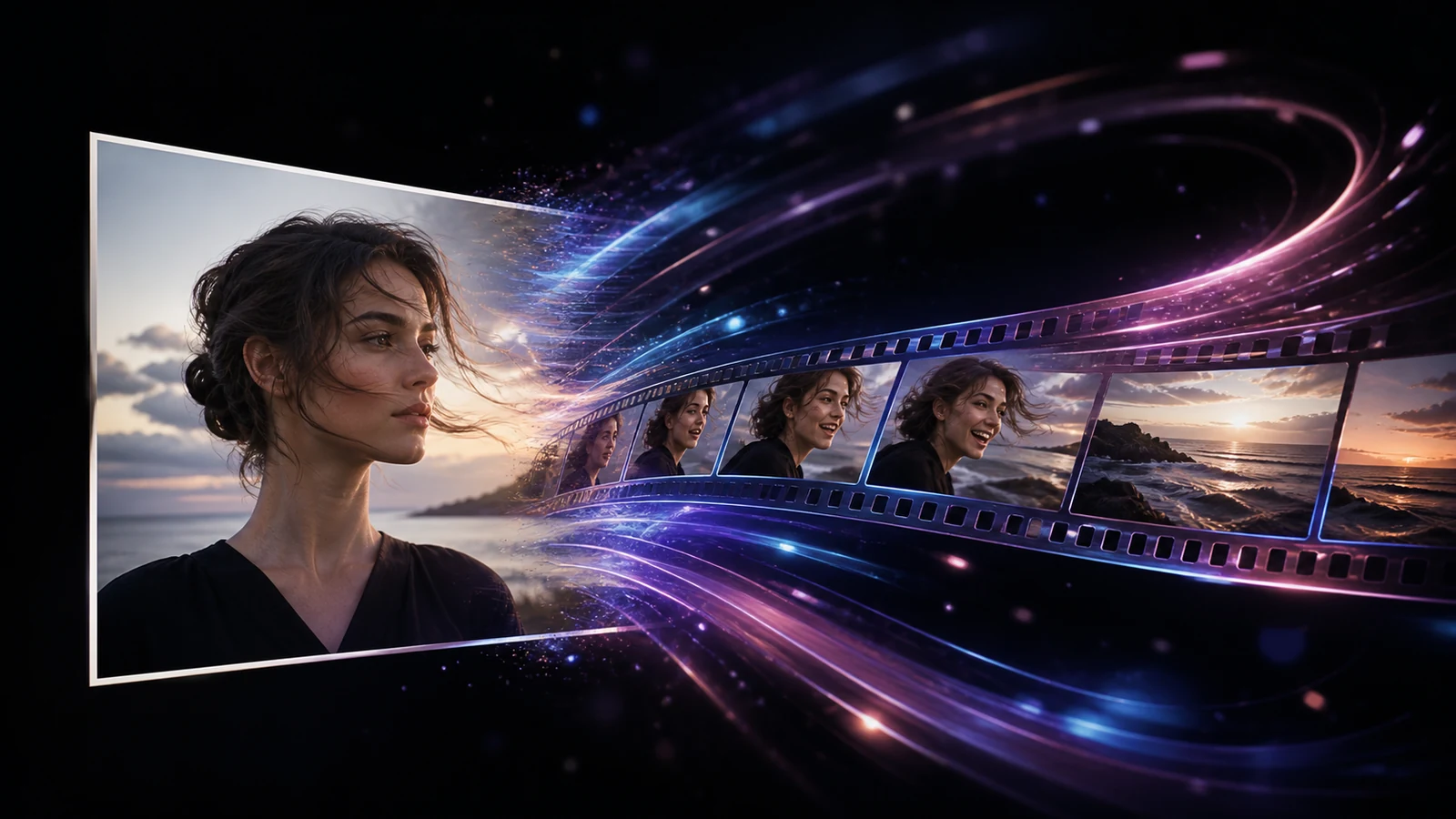
The best photo to video AI generator preserves important details while producing motion that fits your project. A portrait needs subtle facial movement, a product shot needs clean geometry, and a landscape can support stronger camera motion. If you want the quickest place to begin, [try the PhotoVideos generator](https://www.photovideos.net/). It provides a focused upload-and-prompt workflow without requiring you to learn a full video editor. ## Quick Answer: Which Photo to Video AI Generator Is Best? **PhotoVideos is our best starting point for a fast, low-friction photo-to-video workflow.** Runway suits detailed cinematic prompting, Adobe Firefly fits an Adobe production process, Canva is convenient for existing Canva users, Leonardo AI offers a broad creative toolset, and Kling AI focuses on realistic subject motion. This comparison is based on publicly documented features available in July 2026. Features, free allowances, and commercial-use terms can change, so confirm the latest details before beginning an important project. ## Best Photo to Video AI Generators at a Glance | Tool | Best for | Main strength | Consider before choosing | | --- | --- | --- | --- | | PhotoVideos | Fast online photo animation | Focused workflow with model, duration, resolution, and format controls | Designed for generating clips rather than editing a complete timeline | | Runway | Cinematic creators | Detailed motion prompting and multiple aspect ratios | More controls can mean a longer learning curve | | Adobe Firefly | Adobe workflows | First- and last-frame guidance plus camera motion options | Availability and credit use can vary | | Canva | Beginners and social teams | Familiar design and editing environment | Dedicated generation controls are less central than in specialist tools | | Leonardo AI | Multi-model experimentation | Start frames, end frames, prompt refinement, and reusable workflows | The number of choices may feel complex at first | | Kling AI | Realistic subject motion | Strong focus on image-conditioned video generation | Results still depend heavily on the source image and prompt | ## 1. PhotoVideos — Best for a Quick, Focused Workflow [PhotoVideos ](https://www.photovideos.net/)uses a direct process: upload a portrait, product image, old photo, landscape, or artwork; describe the movement; select the available model and output settings; then generate a short clip. It is useful for making a clip for Reels, TikTok, Shorts, an advertisement, or a website without first assembling a full editing project. Review the current [credit and plan options](/pricing) before producing a larger batch.  ## 2. Runway — Best for Cinematic Prompt Control Runway is aimed at creators who want more control over how a shot develops. Its official Gen-4.5 documentation supports image-to-video generation, several aspect ratios, and clips from two to ten seconds. Runway also advises image-to-video users to focus prompts on motion rather than repeatedly describing what is already visible. It is useful for camera choreography, atmospheric changes, or a carefully timed action. Beginners may need more iterations to learn which directions produce stable motion. ## 3. Adobe Firefly — Best for Adobe-Centered Production Adobe Firefly can use a source image as the first frame and optionally a second image as the final frame. It also documents camera-motion choices such as zooming, tilting, moving horizontally, handheld movement, and a static camera. Generated clips can continue into Firefly’s browser editor or Premiere. This connected workflow helps designers who already use Adobe tools. Adobe describes Firefly Video as commercially safe, but users should still check plan terms, regional availability, and the rights attached to uploaded assets. ## 4. Canva — Best for Beginners and Social Design Canva is convenient when an animated photo will become part of a social post, presentation, advertisement, or branded layout. You can animate an image, add design elements, resize the project, and prepare exports in the same environment. Choose Canva when ease of editing and template access matter more than advanced generation controls. A specialist generator may be preferable when motion fidelity is the only priority. ## 5. Leonardo AI — Best for Creative Experimentation Leonardo AI combines image-to-video with start frames, end frames, prompt refinement, model choices, and Blueprints for repeatable effects. Documented examples include product spins, instant animation, and controlled zoom-out shots. This range helps creators test different approaches in one platform, although it can be more than you need for a single photo animation. ## 6. Kling AI — Best for Realistic Subject Motion Kling AI is widely used for clips involving people, products, animals, and environmental movement. It is practical when maintaining a recognizable subject matters. Like every generative video tool, Kling can still produce unwanted morphing or inconsistent details. Begin with a clean, high-resolution image and request one clear action instead of several competing movements. ## How to Choose the Right Tool For **portraits and old family photos**, prioritize identity preservation and restrained movement. For **product videos**, inspect label stability, shape consistency, and rotation. For **social content**, speed and vertical output may matter most. For **cinematic scenes**, prioritize prompt adherence and camera direction. Free access should be treated as a trial rather than the only selection criterion. The best free AI photo to video generator is the one that lets you evaluate your actual image before committing, while clearly showing output limits and current usage terms.  ## How to Write a Better Image-to-Video Prompt Describe movement, camera behavior, speed, and anything that must remain unchanged. A useful structure is: **Subject motion + environmental motion + camera motion + speed + preservation rule.** For example: “The woman blinks naturally as a light breeze moves a few strands of hair. Slow camera push-in, realistic speed. Keep her face, clothing, and background consistent.” Avoid combining many actions in one short clip. Subtle, specific instructions usually give the model a clearer target. ## Frequently Asked Questions ### Can AI turn one photo into a video? Yes. Image-to-video models use the uploaded picture as a visual starting point and generate new frames that create motion. The result is usually a short clip rather than a complete edited video. ### What photos produce the best results? Use a sharp image with a clear subject, natural lighting, and enough space around anything expected to move. Avoid heavily compressed images, hidden hands, overlapping faces, and details that are already distorted. ### Can I use an AI-generated video commercially? It depends on the platform, plan, source image, and intended use. Review the provider’s current terms and make sure you have permission to use the uploaded photo, visible people, brands, artwork, and music. ## Final Verdict The best choice depends on the job. Runway, Firefly, Canva, Leonardo, and Kling each serve a different creative workflow. For a simple way to animate a still image without starting inside a complex editor, PhotoVideos is the most direct place to begin. [Turn your photo into an AI video with PhotoVideos](https://www.photovideos.net/), describe one clear movement, and compare the first result against the original image before generating more variations.
Best Photo to Video AI Generator in 2026: 6 Top Picks
July 27, 2026
Compare the best photo to video AI generators for portraits, products, social clips, and cinematic motion, including free options and key features.